
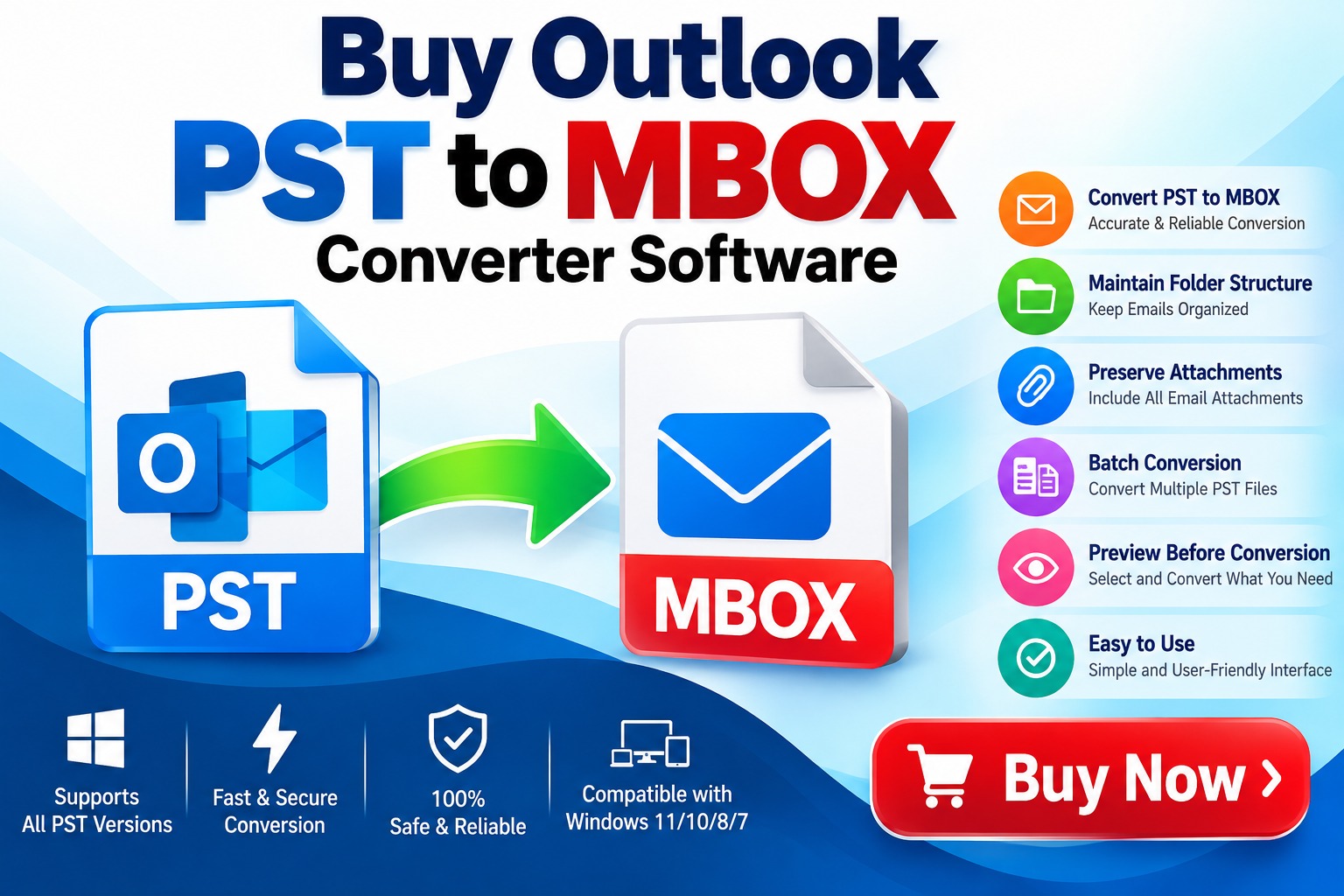
Moving email data from Microsoft Outlook to an MBOX-supported email platform can become complicated when the mailbox contains thousands of messages, attachments, folders, and other important information. Outlook commonly stores mailbox data in PST files, while many email clients and platforms use the MBOX format. Because these formats are structurally different, directly transferring data between them is not always straightforward.
This is where Outlook PST to MBOX Converter Software can help. Designed specifically for email migration, a dedicated converter can transform PST mailbox data into MBOX format while preserving important email properties such as folders, attachments, sender information, recipients, dates, and message content.
If you are planning to buy Outlook PST to MBOX Converter Software, understanding its features, working process, benefits, and selection criteria can help you choose an appropriate solution.
What Is Outlook PST to MBOX Converter Software?
Outlook PST to MBOX Converter Software is a specialized utility designed to convert Microsoft Outlook PST files into MBOX format. PST, or Personal Storage Table, is primarily associated with Microsoft Outlook, whereas MBOX is a mailbox format supported by several email applications and platforms.
For example, users may need PST to MBOX conversion when migrating email data from Outlook to an MBOX-compatible environment. Instead of manually exporting and importing individual messages, converter software can process mailbox data in a structured way.
A typical conversion tool may support emails, attachments, folders, and other mailbox components depending on its design and capabilities.
Why Do Users Convert PST to MBOX?
Email migration is one of the most common reasons for converting PST files into MBOX format.
Suppose you have years of emails stored inside Outlook. You want to move this information to another email client that works with MBOX files. Manually moving thousands of emails would be time-consuming and could increase the possibility of missing messages or attachments.
A PST to MBOX converter provides a more systematic approach.
Common reasons for conversion include:
Key Features to Look for Before You Buy
Not every PST to MBOX converter provides the same capabilities. Before purchasing software, evaluate the features that are important for your migration requirements.
The most important feature is reliable conversion from PST to MBOX. The software should be designed specifically to handle Outlook PST structures and generate usable MBOX files.
Large Outlook mailboxes can contain gigabytes of data. If your PST file is large, choose software designed to process substantial mailbox data efficiently.
Emails frequently contain documents, images, spreadsheets, and other attachments. A suitable converter should preserve attachments along with their associated messages.
A mailbox may contain Inbox, Sent Items, Drafts, custom folders, and subfolders. Maintaining the original organization can make the converted mailbox easier to manage.
If you have multiple PST files, batch conversion can significantly reduce manual effort. Instead of converting each file individually, users can process multiple files when the software supports this functionality.
Selective conversion can be useful when you do not need to migrate an entire mailbox. Features such as date-based filtering, folder selection, or specific mailbox selection can help reduce unnecessary conversion.
Technical migration does not have to mean complicated software. A clear interface with straightforward steps can make the conversion process easier for both technical and non-technical users.
How Does PST to MBOX Converter Software Work?
Most dedicated PST to MBOX conversion tools follow a relatively simple workflow.
Step 1: Install the Software
Download and install the converter on a compatible Windows computer.
Step 2: Add the PST File
Launch the application and select the Outlook PST file that you want to convert.
Step 3: Preview Mailbox Data
If the software provides a preview feature, inspect folders and emails before starting the conversion.
Step 4: Select MBOX as the Output Format
Choose MBOX as the target format and configure any available conversion options.
Step 5: Choose the Destination
Select a suitable location where the converted MBOX file will be saved.
Step 6: Start Conversion
Start the conversion process. The software reads the PST structure and converts the supported mailbox data into MBOX format.
Step 7: Verify the Output
After conversion, open or import the resulting MBOX data into the target email environment and verify important messages, folders, and attachments.
Buy Outlook PST to MBOX Converter Software Instead of Using Manual Methods
Users often search for free or manual methods before purchasing dedicated software. Manual approaches can sometimes work for small or straightforward migrations, but they may become inconvenient when dealing with large or complex PST files.
Dedicated conversion software can provide a more structured workflow and additional features such as batch conversion, filtering, preview, attachment handling, and folder selection.
For organizations handling business email archives, reducing manual intervention can also make the migration process easier to manage.
Who Should Buy PST to MBOX Converter Software?
A dedicated converter can be useful for several types of users.
Home users: People migrating personal Outlook email archives to an MBOX-compatible application.
Businesses: Organizations transferring historical email data between different email environments.
IT administrators: Professionals responsible for mailbox migration and data management.
Email consultants: Service providers handling email conversion projects for customers.
Researchers and archivists: Users who need to preserve or migrate historical email collections.
How to Choose the Right PST to MBOX Converter
Before you buy Outlook PST to MBOX Converter Software, consider the following checklist:
A trial version can be particularly useful because it allows you to test the software with your own PST data before purchasing a full license.
PST to MBOX Conversion Without Data Loss
Data preservation is one of the most important concerns during email migration. Before starting a large conversion, create a backup of your original PST file.
It is also recommended to test the conversion with a copy of the PST file first. After conversion, verify representative emails, attachments, dates, sender information, recipients, and folder organization.
No conversion process should be treated as a substitute for maintaining the original backup.
Benefits of Using Professional PST to MBOX Converter Software
A professional conversion solution can provide several practical advantages:
These capabilities can be particularly valuable when working with business-critical email archives.
Final Thoughts
Choosing to buy Outlook PST to MBOX Converter Software can simplify the process of moving Outlook mailbox data into an MBOX-compatible environment. Instead of relying entirely on complicated manual procedures, dedicated software provides a focused workflow for converting PST data.
Before purchasing, compare the software's supported PST versions, conversion capabilities, attachment handling, folder preservation, batch processing, filtering options, trial availability, and technical support.
For small migrations, a manual approach may sometimes be sufficient. However, when working with large, multiple, or business-critical PST files, specialized conversion software can provide a more organized and manageable migration process.
The right tool ultimately depends on the size of your mailbox, the complexity of your data, your target email environment, and the features required for your particular migration project.
*try to Free Download enables you to preview & converted file and save 30 items per folder.




0 Comments