
Microsoft 365 has become a core platform for business email, collaboration, and cloud productivity. However, organizations sometimes need to export, migrate, archive, or back up Office 365 mailbox data in formats that can be accessed outside the cloud environment. This is where Office 365 converter software can provide a practical solution.
If you are planning to buy Office 365 converter software, it is important to understand what the software does, which features matter, and how it can support mailbox migration and data management.
What Is Office 365 Converter Software?
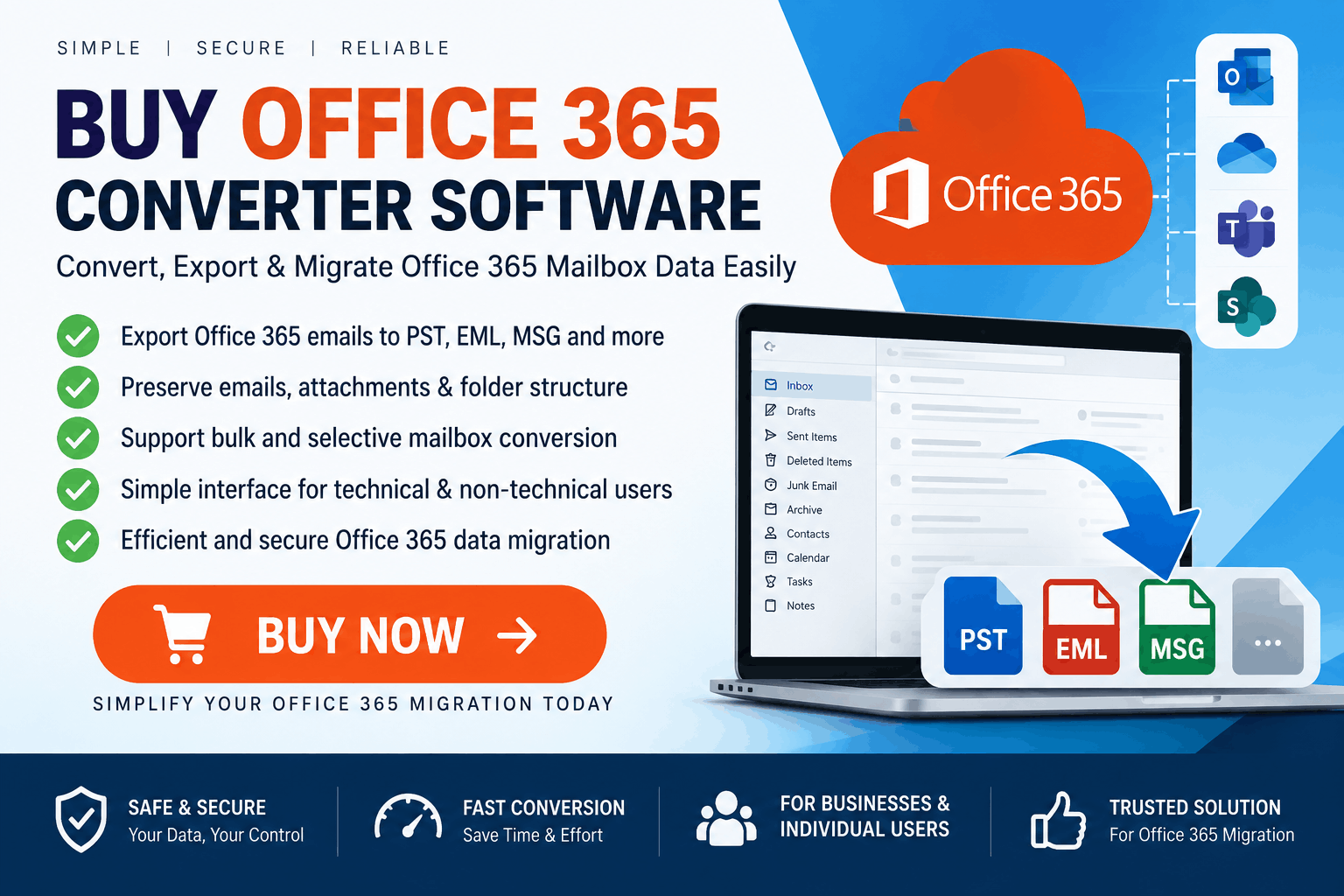
Office 365 converter software is a specialized application designed to help users export or convert mailbox data from Microsoft 365 into commonly used file formats such as PST, EML, MSG, or other supported formats.
In simple terms, imagine that your Office 365 mailbox is a digital filing cabinet in the cloud. A converter tool helps you move selected data from that cabinet into a structured local file that can be stored, transferred, archived, or processed using compatible applications.
Depending on the product, conversion software may support emails, attachments, contacts, calendars, notes, and other mailbox items.
Why Buy Office 365 Converter Software?
There are several situations where organizations may need dedicated conversion software.
Cloud-based email does not eliminate the need for data-management policies. Organizations may want additional copies of important mailbox information for archival, compliance, or business continuity purposes.
An Office 365 converter can help export mailbox data into a locally accessible format such as PST.
Businesses may need to move mailbox information between platforms, accounts, or environments. Depending on the migration scenario, converting Office 365 mailbox data into an intermediate format can simplify the process.
For example, an administrator may export mailbox data before moving users to another email environment.
Some organizations maintain local archives of business correspondence. Conversion software can help create structured archives containing emails and their associated attachments.
Having mailbox information in a supported local format can make it easier to access historical data without depending entirely on the original cloud mailbox.
Key Features to Consider Before Buying
Not every Office 365 converter provides the same capabilities. Before purchasing, evaluate the following features.
Office 365 Mailbox Support
The software should clearly document which Microsoft 365 and Exchange Online mailbox environments it supports. Check whether it can process individual mailboxes, shared mailboxes, or multiple accounts.
PST Export
If your primary requirement is Outlook-compatible archiving, PST export is an important feature. A suitable application should preserve the mailbox structure while exporting supported items.
Folder Structure Preservation
A good conversion process should retain folders such as Inbox, Sent Items, Drafts, Deleted Items, and custom folders whenever the software supports this functionality.
Preserving folder organization reduces the amount of manual work required after migration.
Attachment Handling
Business emails frequently contain documents, images, spreadsheets, and other attachments. Check whether the software preserves attachments and maintains their relationship with the corresponding messages.
Batch Conversion
For organizations managing multiple mailboxes, batch processing can significantly reduce administrative effort. Instead of processing each account individually, administrators may be able to process multiple mailboxes in a single workflow.
Selective Export
Selective export can be useful when you do not need an entire mailbox. Look for options based on folders, dates, or other supported filtering criteria.
Preview Function
A preview feature can help users inspect mailbox content before starting the conversion. This is particularly useful when working with large mailboxes.
Logging and Reporting
For professional migration projects, detailed logs can help administrators understand what was processed, skipped, or encountered an error.
How Does Office 365 Conversion Work?
The exact process varies between products, but a typical workflow looks like this:
Step 1: Install the software
Download and install the Office 365 converter on a compatible Windows computer or supported operating system.
Step 2: Connect to the mailbox
Provide the required Microsoft 365 account or administrator authorization according to the software's supported authentication method.
Step 3: Load mailbox data
The application retrieves or accesses the mailbox information permitted by the account and Microsoft 365 configuration.
Step 4: Select mailbox folders
Choose the folders or data items that need to be exported.
Step 5: Select an output format
Depending on the software, available formats may include PST, EML, MSG, or other supported file types.
Step 6: Apply filters
If available, use date ranges, folders, or other filtering options to reduce unnecessary data processing.
Step 7: Start conversion
The application processes the selected data and creates the required output files.
Step 8: Verify the results
Open or inspect the exported data using compatible software and verify emails, attachments, folders, contacts, and other required items.
Office 365 Converter Software vs. Manual Export
Microsoft 365 provides native administrative and export capabilities for various scenarios. However, a third-party converter may offer a different workflow or additional features depending on the product.
|
Requirement |
Manual/Native Methods |
Converter Software |
|
Mailbox export |
Depends on Microsoft 365 tools |
Often simplified |
|
Batch processing |
Depends on configuration |
May be available |
|
Filtering |
Tool-dependent |
Often provided |
|
Multiple output formats |
Limited by method |
Product-dependent |
|
Preview |
Tool-dependent |
Often available |
|
Reporting |
Varies |
May include detailed logs |
The appropriate approach depends on the organization's technical requirements, security policies, mailbox size, and migration environment.
Security Considerations Before You Buy
Security should be one of the most important factors when selecting Office 365 conversion software.
Before purchasing, verify:
For sensitive corporate mailboxes, organizations should evaluate software according to their internal security and compliance requirements.
Who Needs Office 365 Converter Software?
This type of software can be relevant to several groups:
IT administrators: For mailbox migration, backup, and data-management projects.
Small businesses: For maintaining local copies of important business correspondence.
Enterprises: For large-scale mailbox processing and migration workflows.
Consultants: For supporting client-specific Microsoft 365 migration projects.
Data recovery professionals: For specific mailbox export and recovery workflows supported by the software.
What to Check Before You Buy
Avoid choosing a product based solely on price. Instead, compare the technical specifications and licensing terms.
Check:
A trial version can be particularly useful because it allows you to test the software with your own mailbox configuration before purchasing a full license.
Final Thoughts
When organizations need to export, archive, or migrate Microsoft 365 mailbox data, Office 365 converter software can provide a dedicated workflow for handling the conversion process. Features such as PST export, folder preservation, attachment handling, batch processing, selective conversion, filtering, and reporting can make a significant difference in larger projects.
If you plan to buy Office 365 converter software, focus on your actual migration requirements rather than selecting a product based only on marketing claims. Evaluate supported formats, authentication, security, mailbox capacity, licensing, and technical features before making a purchase.
For businesses handling important email data, choosing software that fits the existing Microsoft 365 environment can help create a more organized and manageable mailbox migration or archival workflow.
*try to Free Download enables you to preview & converted file and save 30 items per folder.




0 Comments