
Introduction
Do you need to convert Lotus Notes NSF files into Outlook PST format without having an internet connection? Whether you are migrating business emails, creating local backups, or moving from IBM Notes to Microsoft Outlook, choosing the right conversion method is important.
An Offline NSF to PST Converter Software provides a convenient way to migrate mailbox data directly on a local computer. Unlike online conversion services, offline conversion does not require uploading confidential email files to third-party websites. This makes it a practical option for businesses, IT administrators, and individual users who prioritize data privacy and control.
In this article, we will explore how offline NSF to PST conversion works, its advantages, essential features, and how to choose a suitable conversion solution.
What Is Offline NSF to PST Converter Software?
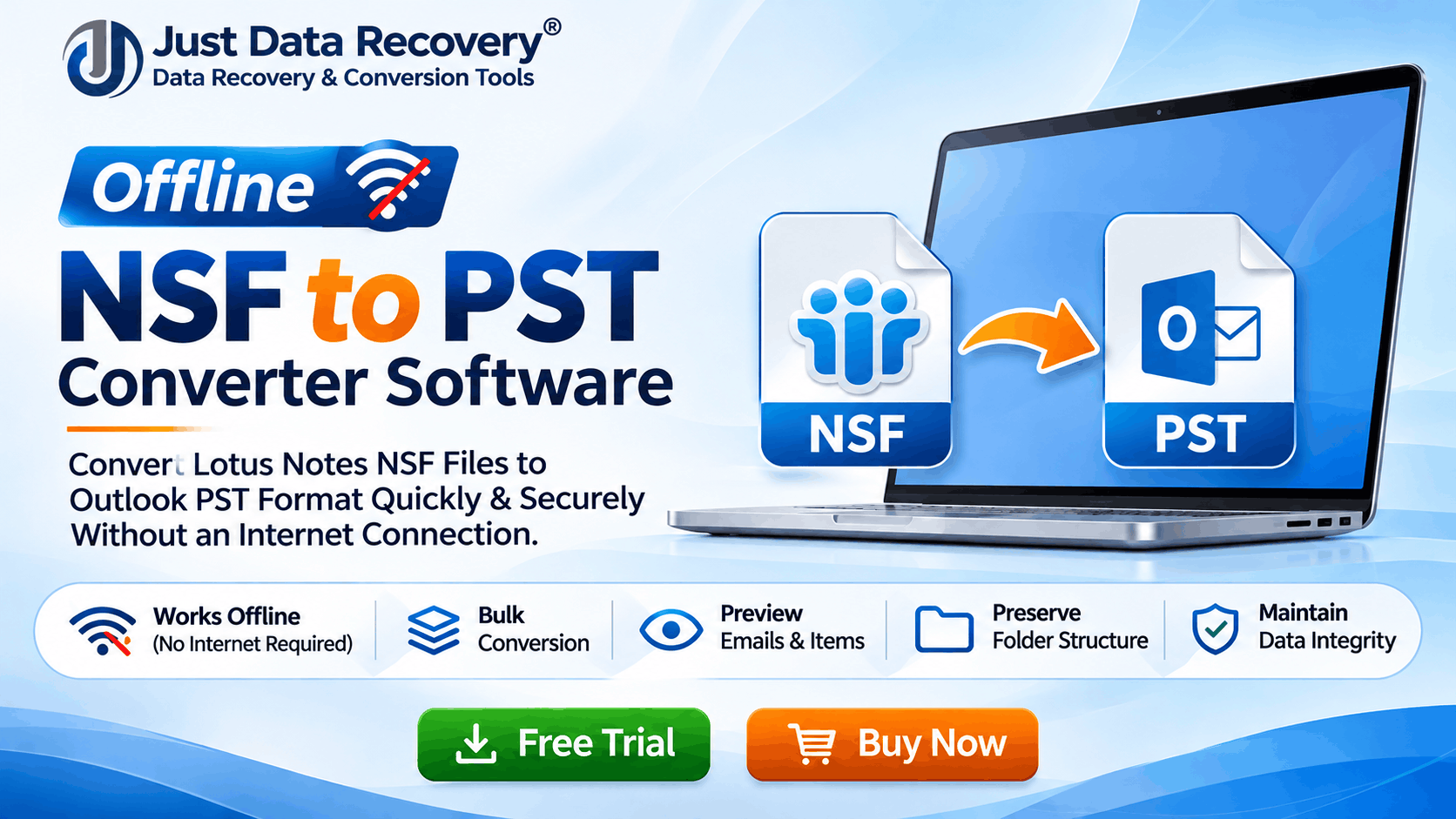
Offline NSF to PST Converter Software is a desktop application that converts IBM Lotus Notes or HCL Notes NSF database files into Microsoft Outlook PST format.
NSF stands for Notes Storage Facility. It is the database format used by Lotus Notes and HCL Notes to store emails, contacts, calendars, tasks, and other mailbox information.
PST stands for Personal Storage Table. Microsoft Outlook uses this file format to store mailbox information locally.
An offline converter processes the source NSF file on the user's computer and generates a PST file without requiring an online conversion service. In simple terms: If your emails are stored in an NSF file and you want to access them in Outlook, an offline NSF-to-PST converter helps transfer the mailbox data into a compatible format.
Why Do Users Need Offline NSF to PST Conversion?
Organizations and individuals may need to migrate NSF files for several reasons.
Many organizations have moved from IBM Lotus Notes to Microsoft Outlook or Microsoft 365. During this transition, users may need to transfer their existing email archives into PST format.
An offline NSF to PST converter can simplify this migration process.
Business emails may contain financial information, customer records, employee communications, and confidential attachments.
Uploading such files to an unknown online platform can create privacy concerns. Offline conversion allows users to process files locally without uploading them to a conversion website.
Some users maintain years of archived Lotus Notes emails. Converting NSF files into PST format can make those archives accessible through compatible Outlook versions.
PST files can be used as local mailbox archives. Converting important NSF databases into PST format provides another way to preserve historical email information.
Key Features of Professional Offline NSF to PST Converter Software
Before selecting a conversion application, evaluate its technical capabilities.
Bulk NSF to PST Conversion
A bulk conversion feature allows users to select multiple NSF files and process them together. This can save time when migrating several mailboxes.
Maintains Email Formatting
A reliable converter should preserve important email properties, including: Email subject lines, Sender and recipient information, CC and BCC fields, Email body formatting, Date and time information, embedded images, file attachments, and folder structure
Mailbox organization is important during migration. The software should maintain the original folder hierarchy wherever supported, including Inbox, Sent Items, Drafts, and custom folders.
Supports Large NSF Files
Large NSF databases may contain thousands of emails and numerous attachments. Choose software that can process large files efficiently and provides clear error reporting.
Preview Before Conversion
A preview feature allows users to inspect mailbox contents before exporting them. This helps verify the selected data and reduces the possibility of unnecessary conversion.
Selective Email Conversion
Some users do not need to migrate an entire mailbox. Date filters, folder selection, and selective export options can help transfer only the required information.
How to Convert NSF Files to PST Offline
Although the exact steps depend on the software, the general conversion process is straightforward.
Step 1: Install the Converter
Download and install a trusted desktop-based NSF to PST converter on your Windows computer.
Step 2: Add NSF Files
Launch the application and select the NSF database files you want to convert.
Step 3: Scan the NSF Database
Allow the software to analyze the selected files and display their available mailbox contents.
Step 4: Preview Emails
Review the folders, emails, attachments, and other supported mailbox information before starting the export.
Step 5: Select PST as the Output Format
Choose PST as the destination format and configure any available export settings.
Step 6: Choose a Destination Folder
Select a local folder where the converted PST file will be saved.
Step 7: Start Conversion
Start the conversion process and wait until the application completes the export.
Step 8: Verify the Result
Open the generated PST file using a compatible Outlook version and verify important emails, attachments, and folder organization.
Note: Conversion results depend on the condition of the source NSF database, software capabilities, and format compatibility. Always retain an original backup before migration.
Offline NSF to PST Converter vs Online NSF to PST Converter
Both methods can help convert NSF files, but they serve different requirements.
For organizations handling sensitive mailbox information, offline conversion can be preferable because the source files do not need to be uploaded to an external conversion website.
How to Choose the Best Offline NSF to PST Converter Software
Not every conversion tool offers the same capabilities. Consider the following factors before purchasing a professional solution:
Compatibility: Check support for your NSF database versions and Windows operating system.
Conversion accuracy: Verify whether emails, attachments, and metadata are maintained.
Bulk processing: Look for multiple-file conversion capabilities.
Preview functionality: Ensure you can inspect mailbox data before exporting.
Security: Prefer software that processes files locally and explains its data-handling practices.
Ease of use: Choose an application with a straightforward interface.
Technical support: Check whether the provider offers installation assistance and troubleshooting.
Free trial: Test the application with sample NSF files before purchasing a full license.
Common Challenges During NSF to PST Conversion
Users may encounter different challenges during mailbox migration.
Large NSF databases: Large files may require additional processing time and sufficient disk space.
Damaged NSF files: Corrupted or inaccessible databases may require repair or recovery before conversion. Not every converter supports damaged files.
Missing attachments: Differences in source data or unsupported content may affect attachment conversion. Verify important attachments after migration.
Folder organization: Some conversion methods may not preserve every custom folder or database element. Review the output carefully.
Software compatibility: Make sure the resulting PST file is supported by the intended Outlook version.
Understanding these challenges before starting can help reduce migration errors.
Who Should Use Offline NSF to PST Converter Software?
Offline conversion solutions can be useful for:
Businesses migrating from Lotus Notes to Outlook.
IT administrators managing multiple NSF databases.
Organizations maintaining historical email archives.
Professionals who need local email backups.
Users moving from HCL Notes to Microsoft Outlook.
Companies that prefer not to upload confidential email databases online.
Frequently Asked Questions (FAQs)
It is a desktop application that converts Lotus Notes or HCL Notes NSF database files into Microsoft Outlook PST format through local processing.
Yes. A desktop converter that supports offline processing can convert locally stored NSF files without requiring an internet connection during conversion. Initial installation or licensing may still require online access.
Many professional converters support attachment export. However, preservation depends on the application and the condition of the source NSF file.
Yes. Some professional applications provide bulk or batch conversion features for processing multiple NSF files.
Some free tools and trial versions are available. However, they may have limitations on file size, export functionality, or the number of items converted.
Local conversion can reduce exposure associated with uploading confidential mailbox files to third-party websites. Nevertheless, users should select trusted software and maintain original backups.
Yes. A properly generated PST file can be opened or imported using a compatible Microsoft Outlook version.
Conclusion
Migrating from Lotus Notes to Microsoft Outlook does not have to be complicated. An Offline NSF to PST Converter Software provides a practical solution for users who want to transfer mailbox data without depending on online conversion services.
Features such as bulk conversion, email preview, attachment preservation, folder hierarchy maintenance, and selective export can make the migration process more manageable.
Before choosing a professional NSF to PST conversion tool, evaluate its compatibility, conversion capabilities, security practices, and trial version. Most importantly, keep a backup of your original NSF database and verify the converted PST file before relying on it.
If your organization is planning an email migration or needs to access old Lotus Notes archives, an offline NSF to PST converter can be a useful part of your data migration strategy.
*try to Free Download enables you to preview & converted file and save 30 items per folder.




0 Comments