
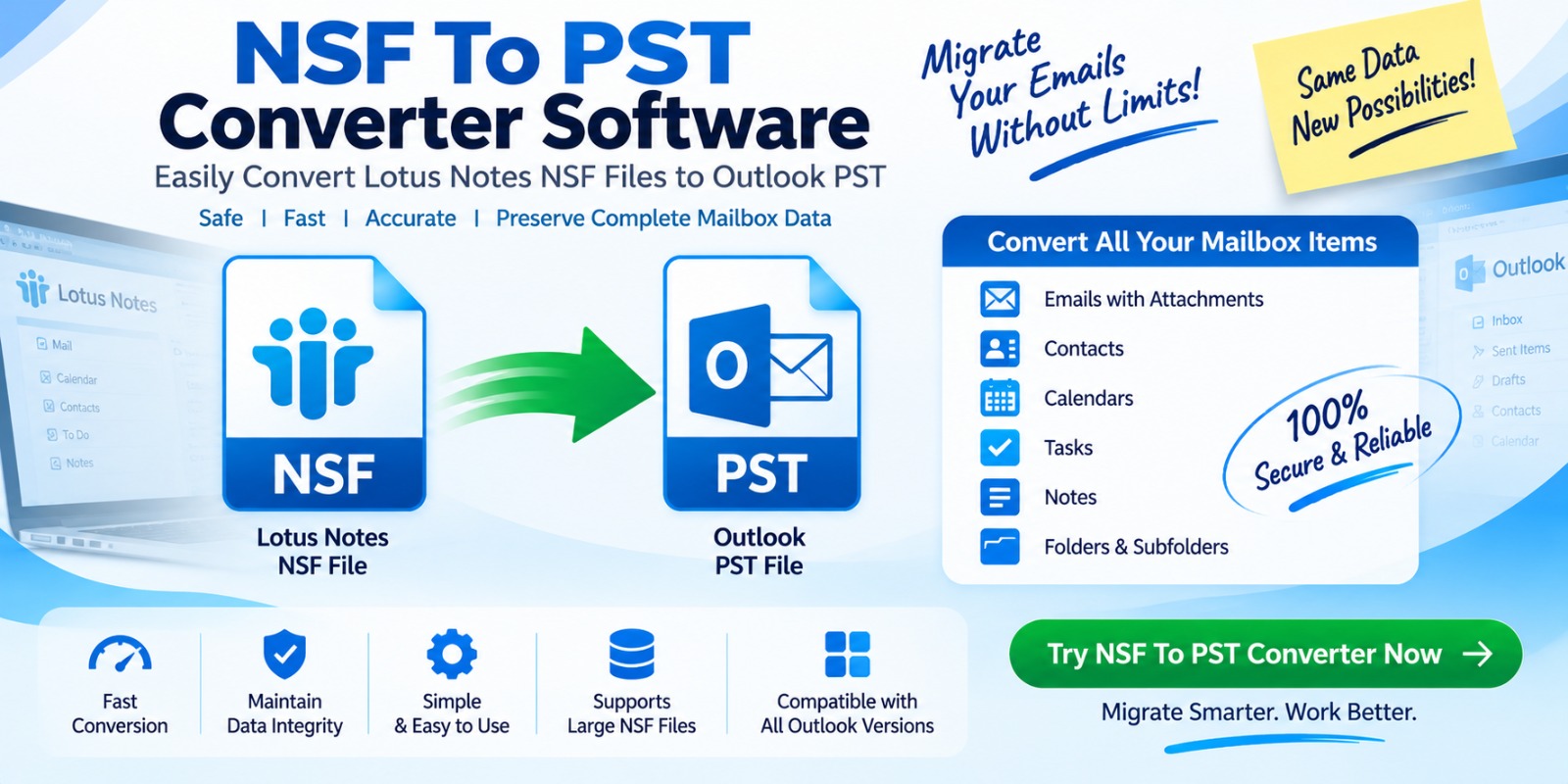
Moving email data from one email platform to another can become complicated when the data is stored in a format that the destination application does not natively support. One common example is moving email data from IBM Notes (formerly Lotus Notes) to Microsoft Outlook. IBM Notes primarily stores mailbox and application data in NSF (Notes Storage Facility) files, while Outlook uses PST (Personal Storage Table) files.
This is where NSF to PST Converter Software becomes useful. It is a specialized utility designed to extract email and other supported mailbox information from NSF files and convert or export it into an Outlook-compatible PST file.
What Is an NSF File?
NSF stands for Notes Storage Facility. It is the database file format used by IBM Notes/Domino to store different types of information.
Depending on the database, an NSF file may contain:
NSF files are designed primarily for the IBM Notes/Domino environment. Therefore, simply copying an NSF file into an Outlook profile does not make its contents available in Outlook.
What Is a PST File?
PST stands for Personal Storage Table. It is a Microsoft Outlook data file used to store mailbox information locally.
A PST file can contain items such as:
Because Outlook is designed to work with PST files, converting supported NSF data into PST can make the information more accessible in an Outlook-based workflow.
What Does NSF to PST Converter Software Do?
An NSF to PST converter is built to bridge the format difference between IBM Notes and Microsoft Outlook.
In simple terms, imagine that your email information is stored inside a box labeled NSF, but Outlook expects a box labeled PST. The converter acts like a translator: it reads the supported information inside the NSF database and creates a PST file that Outlook can work with.
A typical conversion process involves:
NSF File → Software Reads NSF Data → Data Extraction → Conversion/Export → PST File → Outlook
The exact features and supported data types depend on the particular software.
Why Do Users Convert NSF to PST?
There are several practical reasons for converting NSF data into PST format.
Organizations sometimes change their email or collaboration platforms. When users move from IBM Notes to Microsoft Outlook, historical mailbox data may need to be transferred.
An NSF to PST conversion tool can simplify this migration by converting supported mailbox information into a format compatible with Outlook.
Some users retain old NSF databases after moving away from IBM Notes. If Outlook is their primary email application, having the historical information in PST format can make it easier to access from the Outlook environment.
Businesses may have mailbox information distributed across different NSF files. Converting supported data into PST files can help consolidate information into an Outlook-compatible format.
PST files are commonly used for Outlook-based archival and local mailbox management. Converting NSF data can therefore be useful when an organization has standardized its workflow around Outlook.
How Does NSF to PST Conversion Software Work?
Although different applications use different technologies, the general workflow is similar.
Step 1: Select the NSF File
The user starts the software and selects one or more NSF files that need to be processed.
Step 2: Scan the NSF Database
The software analyzes the selected NSF database and identifies available folders and supported mailbox items.
A good converter should provide a clear preview or folder structure so users can understand what data is available before conversion.
Step 3: Select Required Data
Depending on the application, users may be able to select individual folders, mailboxes, or specific items instead of converting everything.
Selective conversion can be particularly useful when working with large NSF databases.
Step 4: Choose PST as the Output Format
The user selects PST as the destination format and configures any available conversion options.
Some applications may provide additional settings such as folder mapping, date filters, or attachment handling.
Step 5: Convert or Export the Data
The software processes the selected NSF information and creates the PST output.
The conversion engine typically attempts to preserve important mailbox characteristics such as folder organization, message content, and attachments where supported.
Step 6: Import or Open the PST in Outlook
After conversion, the resulting PST can be accessed through Microsoft Outlook using its supported data-file functions.
Users should always verify the converted data before deleting or modifying the original NSF files.
Important Features to Look for in an NSF to PST Converter
Not every conversion utility provides the same capabilities. When evaluating software, consider the following features.
NSF File Scanning
The software should be able to scan NSF databases and identify supported data efficiently.
Folder Structure Preservation
Maintaining mailbox folders can make migrated data easier to navigate. Look for software that attempts to preserve the original folder hierarchy.
Attachment Conversion
Attachments are an important part of many business emails. A useful converter should properly process supported attachments along with their associated messages.
Selective Conversion
Selective conversion allows users to choose particular folders or mailbox items instead of processing an entire database.
Batch Processing
For organizations handling multiple NSF files, batch processing can reduce repetitive manual work.
Preview Function
A preview feature can help users inspect mailbox content before starting the final conversion.
Large File Support
Large NSF databases may require considerable processing time and system resources. Software should clearly document its supported file sizes and system requirements.
NSF to PST Converter Software vs. Manual Migration
Manual migration methods may work in certain environments, but they can require multiple steps and may depend heavily on the availability and configuration of IBM Notes and Outlook.
Dedicated conversion software is designed specifically for format migration and can provide a more structured workflow.
However, users should evaluate the software's actual capabilities rather than assuming every tool supports every NSF data type or migration scenario.
Is NSF to PST Conversion Safe?
The safety of a conversion depends on the software, configuration, source data, and migration process.
A responsible migration workflow should always begin with a backup of the original NSF files. The original data should remain untouched until the resulting PST has been thoroughly checked.
Users should verify:
For business-critical migrations, testing with a representative copy of the data before performing a large-scale conversion is a sensible practice.
Who Can Use NSF to PST Converter Software?
NSF to PST conversion tools can be relevant to several groups, including:
The appropriate tool depends on the size of the migration, supported data types, available applications, and required output.
Frequently Asked Questions
What is NSF to PST Converter Software?
NSF to PST Converter Software is a utility designed to convert or export supported data from IBM Notes NSF databases into Microsoft Outlook-compatible PST files.
Can NSF files be opened directly in Outlook?
Generally, NSF is an IBM Notes/Domino database format, while PST is an Outlook data format. Outlook does not natively treat an NSF file as a PST data file, which is why a migration or conversion process may be required.
Does NSF to PST conversion include attachments?
Many dedicated converters support email attachments, but the exact behavior depends on the software. Always check the vendor's feature documentation and test representative data.
Can multiple NSF files be converted?
Some NSF to PST applications support batch processing, while others process files individually. This should be checked before purchasing software for a large migration.
Should I back up the NSF file before conversion?
Yes. Keeping an untouched backup of the original NSF data is an important precaution during any mailbox migration.
Conclusion
NSF to PST Converter Software provides a practical way to move supported email and mailbox information from IBM Notes NSF databases into Microsoft Outlook PST files. It can be useful for organizations migrating platforms, accessing historical email, consolidating legacy data, or transitioning users from IBM Notes to Outlook.
For a successful migration, focus on more than simply converting the file. Check features such as folder preservation, attachment handling, selective conversion, batch processing, preview capabilities, and PST compatibility. Most importantly, maintain backups and validate the converted PST before treating the migration as complete.
When chosen and used correctly, NSF to PST conversion software can turn a complex mailbox-format migration into a more organized and manageable process.
*try to Free Download enables you to preview & converted file and save 30 items per folder.




0 Comments