
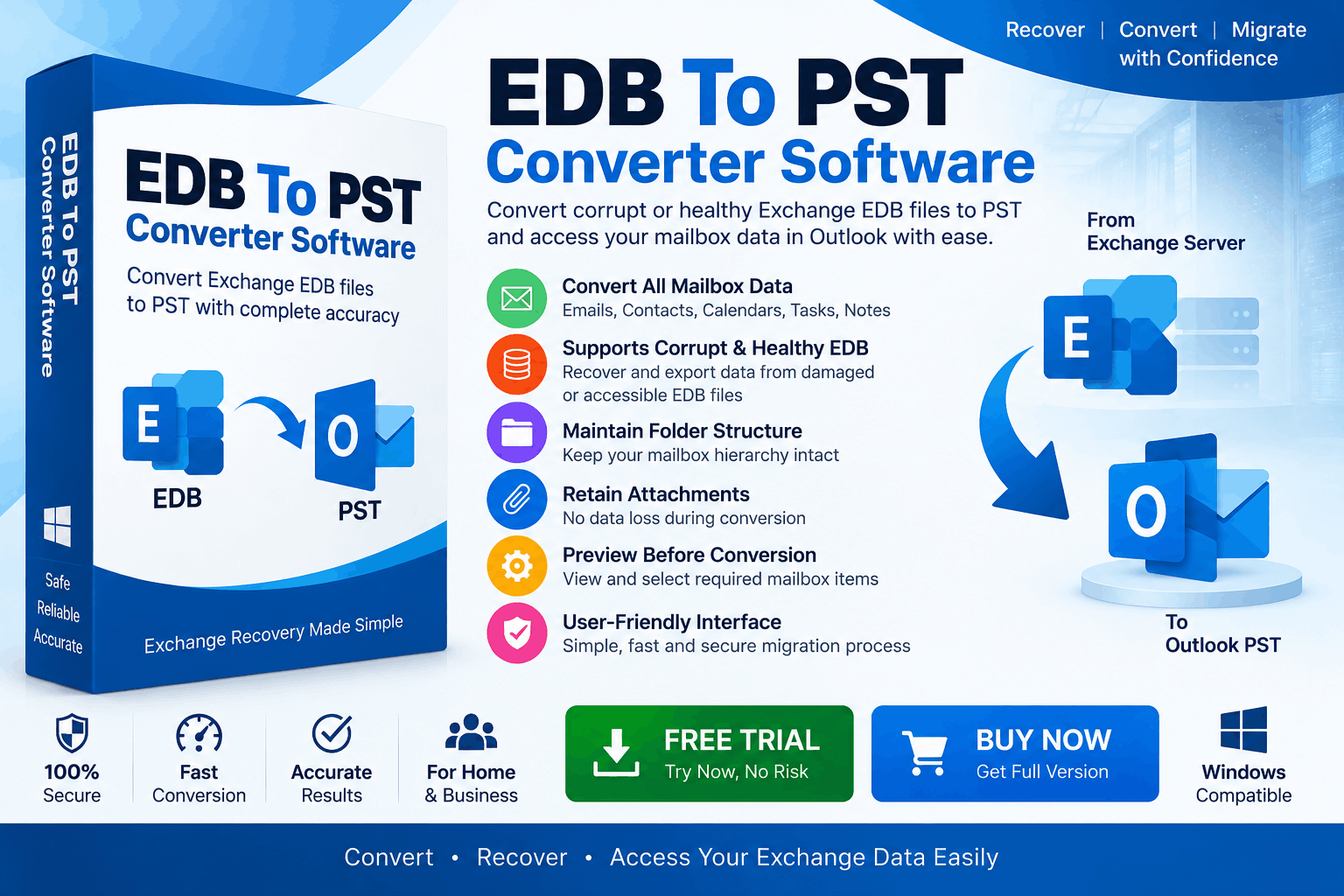
When an Exchange Server becomes unavailable, administrators may still need access to mailbox data stored inside an EDB (Extensible Storage Engine Database) file. This can happen after server crashes, database corruption, accidental deletion, hardware failure, or when an organization has an old offline Exchange database.
A common question is: How can you convert an Exchange EDB file to PST without Exchange Server?
The practical answer is to use professional EDB to PST converter software that can scan the offline EDB database, extract mailbox items, and export them into Outlook-compatible PST files. This approach can be particularly useful when the original Exchange environment is no longer available.
This guide explains the process, available methods, limitations, and best practices.
What Is an Exchange EDB File?
An EDB file is the primary database format historically used by Microsoft Exchange Server to store mailbox information. Depending on the Exchange environment, an EDB can contain:
Unlike a PST file, an EDB file is not designed to be directly opened in Microsoft Outlook.
Therefore, if you have an offline Exchange database and want to access its mailbox contents in Outlook, you generally need a suitable migration or recovery method.
Can You Convert EDB to PST Without Exchange Server?
Yes, an offline Exchange EDB file can be converted to PST without having the original Exchange Server available by using specialized EDB-to-PST conversion software.
The software works directly with the EDB database rather than requiring the original Exchange Server to be operational.
The general process is:
EDB File → Scan EDB → Preview Mailbox Data → Select Items → Export to PST → Open PST in Outlook
This can be useful for organizations that need to recover or migrate mailbox data from an old or inaccessible Exchange environment.
Why Convert EDB to PST Without Exchange Server?
There are several situations where an offline conversion can be useful.
If the Exchange Server has failed or has been decommissioned, accessing the database through the original environment may not be possible.
Database corruption can prevent normal mailbox access. Specialized recovery software may be able to scan the available database and extract recoverable mailbox data.
Organizations often retain old EDB files for compliance, archival, or historical purposes. Converting them to PST can make the information easier to access.
During a migration project, administrators may need to extract mailbox information from an existing database and provide it in PST format.
If only particular mailboxes or folders are required, software with selective export capabilities can be useful.
Method 1: Use EDB to PST Converter Software
The easiest approach for most users is dedicated EDB to PST Converter Software.
These applications are designed to analyze offline Exchange database files and export their mailbox contents into PST.
Step 1: Prepare the EDB File
First, locate the Exchange EDB file you need to process.
Before making any changes, create a backup copy of the original database.
For example:
Original EDB → Working Copy → Conversion
Working with a copy helps protect the original evidence or mailbox database if something goes wrong during the recovery process.
Also, make sure you have sufficient free storage because the converted PST files can require substantial disk space.
Step 2: Install an EDB to PST Converter
Install a reputable EDB-to-PST conversion application on a Windows computer.
Look for software that supports the Exchange EDB version you are working with and provides features such as:
A free trial can be useful for evaluating whether the software can successfully read your particular EDB file before purchasing a full license.
Step 3: Add the Offline EDB File
Launch the application and select the option to open or add an EDB file.
Browse to the location of the offline database and load it into the software.
The application will typically analyze the database structure and identify available mailbox folders.
Depending on the size and condition of the EDB file, scanning may take some time.
Step 4: Scan the EDB Database
Start the scanning or recovery process.
The software analyzes the EDB database to identify recoverable mailbox structures and items.
For a healthy database, the process may be relatively straightforward. A damaged database can require additional processing, and the amount of recoverable information depends on the condition of the file.
Do not assume that every damaged EDB will produce a complete recovery. Recovery results depend on the database condition and the capabilities of the software.
Step 5: Preview Mailbox Data
A good converter should provide a preview of the discovered data before exporting it.
You may see folders such as:
Select different messages to verify their contents and attachments.
Why is preview important?
It lets you determine whether the software has successfully extracted the required information before creating the final PST.
Step 6: Select the Required Mailboxes
If the EDB contains multiple mailboxes, you may not need to export everything.
Depending on the software, you can select:
Selective conversion can reduce processing time and prevent unnecessary data from being included in the output.
Step 7: Choose PST as the Export Format
Select PST as the destination format.
The software may provide additional export options, depending on the product.
For example, you may be able to specify an output folder and choose whether to preserve the original mailbox hierarchy.
The basic conversion path is:
Exchange EDB → PST
The resulting PST can then be used with a compatible Outlook environment.
Step 8: Start the EDB to PST Conversion
Click the conversion or export option to begin the process.
The software reads the selected mailbox data and writes it into PST files.
During conversion, avoid unnecessarily closing the application or disconnecting the storage device containing the EDB and destination files.
For large databases, ensure that the computer has enough:
Large EDB files can require significantly more working space than their original file size suggests.
Step 9: Verify the Converted PST
After conversion, do not immediately delete the original EDB.
First, verify the resulting PST.
Check:
Open the PST in a compatible Outlook environment and inspect representative items from different folders.
This verification step is important because successful file creation does not automatically mean that every mailbox item was recovered correctly.
Can You Convert a Corrupt EDB to PST Without Exchange Server?
Potentially, yes. Specialized EDB recovery software may be able to scan and extract data from certain corrupted databases without requiring the original Exchange Server.
However, corrupt EDB recovery is not guaranteed.
The result depends on factors such as:
For critical business data, always work from a copy and preserve the original EDB.
Can You Convert EDB to PST Without Outlook?
This depends on the particular converter.
Some dedicated EDB-to-PST applications can process an offline EDB and create PST files without requiring the original Exchange Server. However, you will still need a compatible application or environment to open and inspect the resulting PST.
Therefore, distinguish between conversion and PST access:
EDB conversion: Extract EDB data and create PST.
PST access: Open or import the resulting PST using software that supports PST files.
Why Simply Renaming EDB to PST Does Not Work
One common misconception is that changing:
mailbox.edb
to:
mailbox.pst
will convert the database.
It does not.
EDB and PST are different database/file formats with different internal structures. Changing the filename extension does not transform the underlying data.
A genuine conversion requires the EDB database to be parsed and its mailbox contents exported into a valid PST structure.
Manual vs Professional EDB to PST Conversion
A manual approach may be possible in some Exchange recovery or migration scenarios, but it can require access to appropriate Exchange infrastructure, configuration, permissions, and administrative expertise.
When the Exchange Server is unavailable, a dedicated converter can simplify the workflow because it is designed to work with offline EDB data.
|
Requirement |
Manual Approach |
EDB to PST Software |
|
Original Exchange Server |
May be required |
Often not required |
|
Offline EDB processing |
Limited |
Supported by dedicated tools |
|
Mailbox preview |
Depends on method |
Common feature |
|
Selective export |
Depends on method |
Often supported |
|
PST creation |
More involved |
Core function |
|
Corrupt EDB recovery |
Limited |
Available in some tools |
|
Technical complexity |
Higher |
Generally lower |
Best Practices for EDB to PST Conversion
Follow these recommendations for a safer migration:
Keep the original EDB
Never modify or overwrite your only copy.
Work on a copy
Perform recovery and conversion using a duplicate whenever possible.
Check software compatibility
Confirm that the converter supports your Exchange EDB version.
Preview before export
Verify that required mailbox data is actually readable.
Maintain folder hierarchy
Choose a tool that preserves mailbox folders if this is important to your migration.
Verify attachments
Check attachments separately because they are often essential business records.
Keep enough storage
EDB processing and PST creation may require substantial temporary and destination space.
Validate the PST
Open the converted PST and inspect important mailbox data before considering the migration complete.
Frequently Asked Questions
Can I convert an Exchange EDB file to PST without Exchange Server?
Yes. Dedicated EDB-to-PST conversion software can process many offline EDB files without requiring the original Exchange Server.
What is the easiest way to convert EDB to PST?
For an offline EDB, specialized EDB-to-PST converter software is generally the most straightforward approach because it can scan the database and export selected mailbox data directly to PST.
Can corrupt EDB files be converted to PST?
Some specialized recovery applications can extract data from certain corrupt EDB files. However, the success rate depends on the severity and type of corruption.
Will attachments be converted?
Many EDB-to-PST tools support attachment extraction. Always verify this feature and test the output before completing a large migration.
Can I convert only one mailbox from an EDB?
If the software supports selective mailbox conversion, you can choose individual mailboxes or folders rather than exporting the entire database.
Is renaming EDB to PST enough?
No. EDB and PST are different formats. Renaming the extension does not perform a conversion.
Final Thoughts
Converting an Exchange EDB file to PST without Exchange Server is possible when you use a suitable offline EDB conversion or recovery solution. This approach is particularly useful when the original server is unavailable, an organization is handling legacy Exchange data, or mailbox information needs to be extracted from an offline database.
The safest workflow is:
Backup EDB → Load EDB → Scan → Preview → Select Mailboxes → Export to PST → Verify PST
For business-critical migration, choose software that supports the relevant EDB version, provides mailbox preview and selective conversion, handles attachments and folder structures appropriately, and offers recovery capabilities when dealing with damaged databases.
Most importantly, keep the original EDB until the converted PST has been thoroughly checked. A careful validation process helps ensure that the recovered mailbox data is usable before the old Exchange database is archived or retired.
*try to Free Download enables you to preview & converted file and save 30 items per folder.




0 Comments