
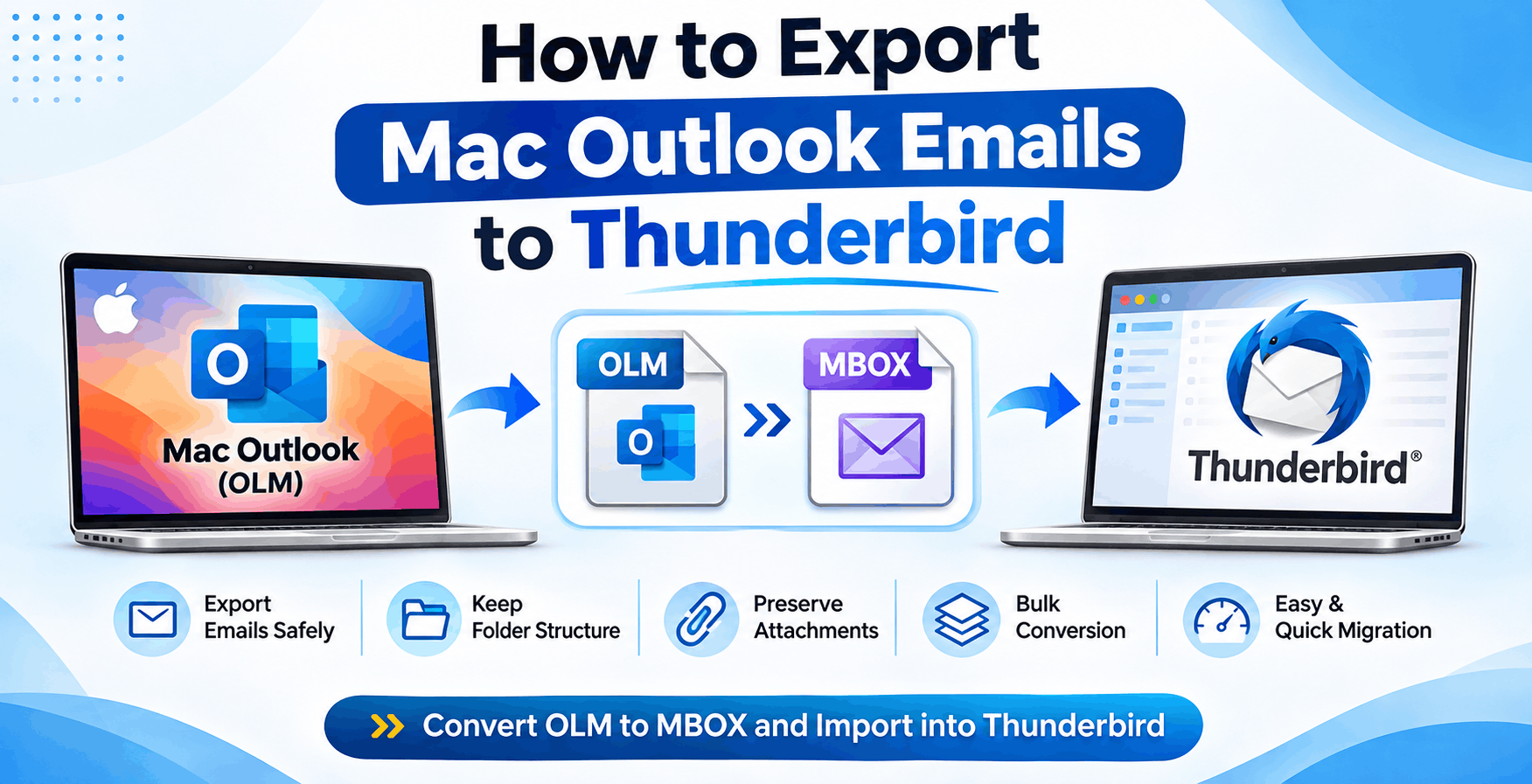
Are you planning to move your email data from Microsoft Outlook for Mac to Mozilla Thunderbird? Migrating emails between different email clients can be challenging, especially when you want to preserve important messages, attachments, folders, and email properties. Microsoft Outlook for Mac stores mailbox data in an OLM file, while Mozilla Thunderbird commonly uses the MBOX format to store email.
To transfer Mac Outlook emails to Thunderbird successfully, users generally need to export their Outlook mailbox data into a Thunderbird-compatible format. An OLM to MBOX Converter can simplify this process by converting Outlook OLM files into MBOX files that Thunderbird can import.
This guide explains how to export Mac Outlook emails to Thunderbird, the available conversion methods, common challenges, and the benefits of using professional OLM to MBOX Converter Software.
Why Export Mac Outlook Emails to Thunderbird?
Mozilla Thunderbird is a popular desktop email client known for its flexibility, customization options, and support for multiple email accounts. Many users prefer Thunderbird as an alternative to Microsoft Outlook because it offers a different email management experience.
Here are some common reasons for migrating Mac Outlook emails to Thunderbird:
However, because Outlook for Mac and Thunderbird use different mailbox formats, direct migration may require an intermediate conversion process.
Understanding OLM and MBOX File Formats
Before starting the migration, understand the two file formats.
What Is an OLM File?
OLM is an Outlook for Mac data file format. It stores mailbox information exported from Microsoft Outlook for macOS. Depending on the export selection and Outlook version, an OLM file can contain:
OLM files are primarily associated with Outlook for Mac and are not directly interchangeable with Thunderbird's standard mailbox storage.
What Is an MBOX File?
MBOX is a mailbox file format used by several email applications, including Mozilla Thunderbird. It stores multiple email messages in a mailbox file.
An MBOX file can contain email headers, message bodies, and associated message content. This makes it a useful format for transferring email data between compatible email clients.
Converting OLM to MBOX is therefore an important step when migrating Mac Outlook emails to Thunderbird.
How to Export Mac Outlook Emails to Thunderbird
There are two common approaches to this migration: using a compatible manual workflow or using dedicated OLM to MBOX Converter Software.
Method 1: Convert OLM to MBOX Using Professional Software
A dedicated OLM to MBOX Converter can simplify mailbox migration, particularly when dealing with large OLM files or multiple email folders.
Follow these general steps:
Step 1: Export OLM Files from Mac Outlook
Step 2: Launch OLM to MBOX Converter Software
Install and open a compatible OLM to MBOX conversion application. Check its macOS compatibility and system requirements before installation.
Step 3: Add the OLM File
Browse your computer and select the exported OLM file. Some applications also support selecting multiple files or folders.
Step 4: Preview Mailbox Data
If the software provides a preview feature, examine the available mailbox folders and messages. This helps confirm that the correct data has been selected.
Step 5: Select MBOX as the Output Format
Choose MBOX as the destination format. Depending on the application, you may also be able to select individual folders or configure additional export options.
Step 6: Start the Conversion
Choose the destination location and initiate the conversion process. Wait until the software reports that the export is complete.
Step 7: Import MBOX Files into Thunderbird
Open Thunderbird and use a compatible MBOX import method or supported import add-on. Select the converted MBOX files and complete the import process.
After importing, verify that your messages and attachments are accessible.
Method 2: Import Converted MBOX Files into Thunderbird
Once the OLM data has been converted into MBOX format, the next step is importing it into Thunderbird.
The exact import workflow can vary depending on your Thunderbird version and installed extensions.
Common Challenges During OLM to Thunderbird Migration
Although email migration may appear straightforward, users can encounter several technical problems.
Thunderbird does not natively treat an OLM file as a standard MBOX mailbox. Users generally need to convert the OLM data before importing it.
Large mailbox files may take additional time to process. Users should ensure sufficient storage space and avoid interrupting the conversion.
Some migration methods may not preserve all message components correctly. Always test the resulting MBOX files before deleting the original OLM backup.
Mailbox folder organization may not transfer exactly as expected. Review the imported folder hierarchy after migration.
Outlook and Thunderbird versions can affect the available export and import workflows. Check software compatibility before starting the process.
Benefits of Using Professional OLM to MBOX Converter Software
Professional conversion software can provide a more structured migration workflow for users who need to transfer large amounts of email data.
Important features to consider include:
Before purchasing any conversion application, verify its supported macOS versions, output options, and trial limitations.
Tips for Safe Mac Outlook to Thunderbird Migration
Follow these recommendations to reduce the risk of email data problems:
These precautions can help protect important business and personal email communications.
Frequently Asked Questions
There is no standard direct OLM-to-Thunderbird import workflow. You generally need to convert the OLM mailbox into a compatible format, such as MBOX, before importing it.
MBOX is a commonly supported mailbox format for Thunderbird. The available import method depends on the Thunderbird version and supported extensions.
Yes. If you already have an accessible OLM file, compatible third-party OLM to MBOX Converter Software may process it without requiring Outlook to be installed during conversion.
Attachment preservation depends on the conversion application's capabilities and the condition of the original OLM file. Verify attachments after importing the converted mailbox.
Yes. Some professional conversion applications support bulk OLM-to-MBOX conversion. Check whether the selected software supports multiple-file processing.
Conclusion
Exporting Mac Outlook emails to Thunderbird requires careful handling of the OLM mailbox format and Thunderbird's supported email storage formats. Converting OLM files into MBOX format provides a practical migration approach for users who want to access their Outlook email data in Thunderbird.
Although manual workflows may be suitable for smaller migrations, professional OLM to MBOX Converter Software can simplify the process through features such as bulk conversion, email preview, selective folder export, and attachment preservation.
For users managing important business or personal mailbox data, selecting a reliable conversion solution and verifying the migrated emails before removing the original backup are essential steps toward a successful migration.
*try to Free Download enables you to preview & converted file and save 30 items per folder.




0 Comments