
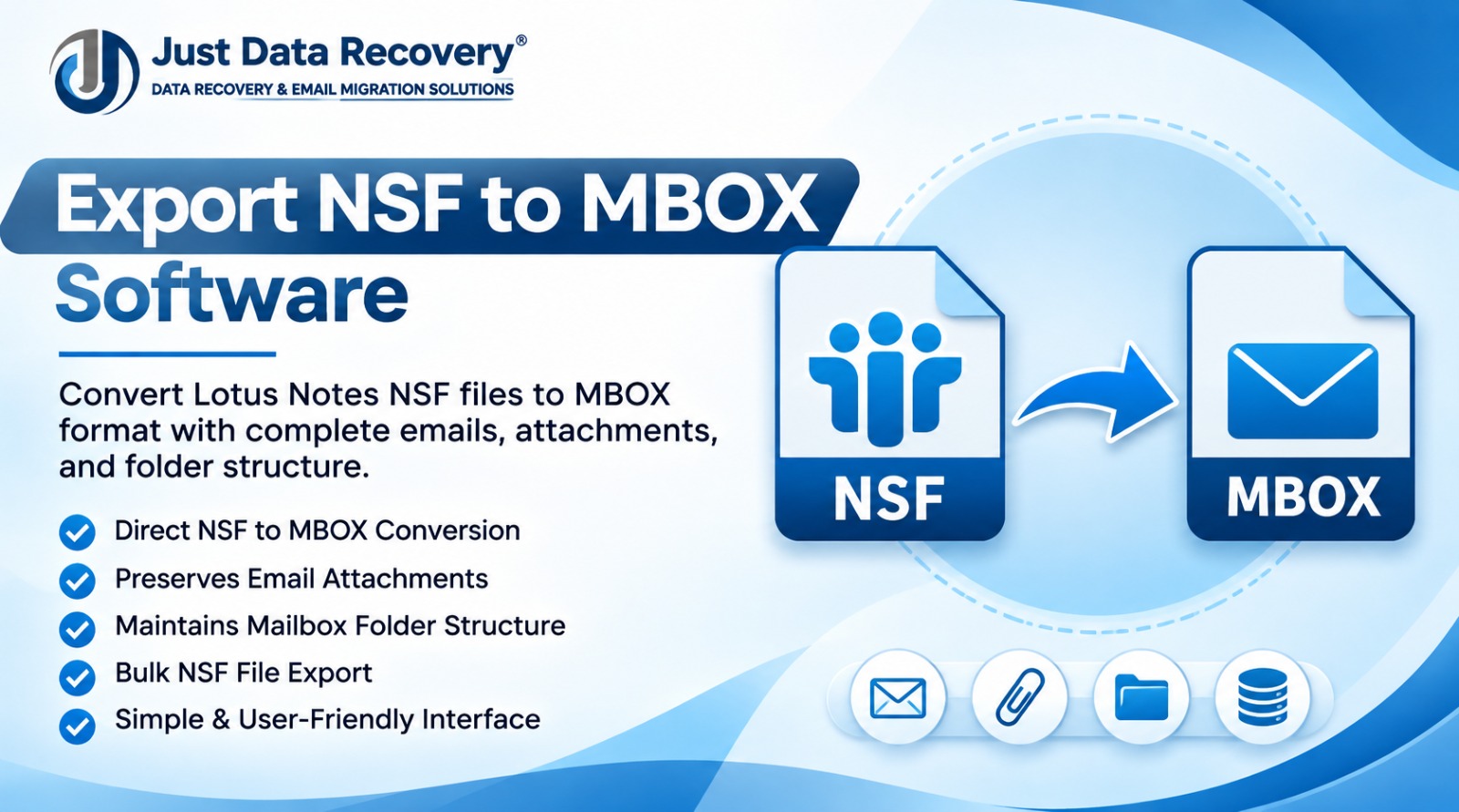
Introduction: Make Lotus Notes Email Migration Easier
Are you looking for a reliable way to export Lotus Notes NSF files into MBOX format? Managing email migration can become challenging when organizations need to switch email platforms, create mailbox backups, or access old email conversations through MBOX-supported applications. Lotus Notes stores mailbox information in NSF files, whereas several other email clients use MBOX files to manage email data.
This difference in file formats creates compatibility challenges for users who want to transfer their existing email information. Export NSF to MBOX Software provides a dedicated approach to converting NSF mailbox data into an MBOX-compatible format.
Whether you are an individual user, IT administrator, or business professional, choosing an appropriate NSF to MBOX conversion solution can simplify email migration and improve mailbox accessibility.
What Is Export NSF to MBOX Software?
Export NSF to MBOX Software is a specialized email conversion utility designed to export mailbox information stored in IBM Lotus Notes or HCL Notes NSF files into MBOX format.
NSF (Notes Storage Facility) is the database file format used by Lotus Notes to store emails, contacts, calendars, journals, and other mailbox information. MBOX, on the other hand, is a widely supported mailbox format used by various email applications.
A dedicated conversion solution helps users transfer supported email information between these formats without manually recreating mailbox data.
The primary purpose of this software is to make NSF email information accessible in MBOX-compatible email environments.
Why Do Users Need to Export NSF Files to MBOX?
There are several reasons why individuals and organizations may need to convert NSF files into MBOX format.
Users switching from Lotus Notes to an email client that supports MBOX may need to convert their existing mailbox information. An NSF to MBOX converter helps simplify this transition.
Email conversations often contain important business records, customer communication, invoices, and project discussions. Exporting supported email data into MBOX can help create an additional mailbox backup.
Some email applications support MBOX files, making the format useful for users who want to access previously stored email information through different platforms.
Organizations handling large volumes of historical email data may require a structured migration process. Converting NSF files into MBOX can support email archiving and data management activities.
Key Features of Professional Export NSF to MBOX Software
Selecting suitable conversion software is important for maintaining email accessibility and minimizing migration complications. Consider the following features when evaluating an NSF to MBOX solution.
A professional converter should provide a straightforward process for converting supported NSF files into MBOX format. This reduces the need for complicated manual procedures.
Organizations and IT professionals may need to process multiple NSF files. A batch conversion feature can save time by allowing users to add and process multiple files in a single workflow.
Email attachments can contain important business documents, images, spreadsheets, and PDF files. Look for software that supports attachment preservation during conversion.
Maintaining the original mailbox organization can make migrated emails easier to locate. A suitable conversion tool should preserve supported folder information wherever possible.
Not every user has advanced technical knowledge. An easy-to-understand interface helps beginners complete the conversion process without requiring extensive technical assistance.
Users should verify that their selected software supports their Windows environment, including the specific Windows version installed on their computer.
Email preview and selective export options can help users identify the required mailbox information before starting the conversion process.
How to Export NSF to MBOX Using Professional Software
The conversion process generally involves a few straightforward steps. The exact workflow may vary depending on the selected software.
Step 1: Install the Conversion Software
Download and install a trusted NSF to MBOX converter on your Windows computer. Check the system requirements before installation.
Step 2: Add NSF Files
Launch the application and browse to the location where your NSF files are stored. Select the required NSF database files for processing.
Step 3: Preview Mailbox Data
If the software provides a preview feature, examine the available mailbox folders and email information. Select the data you want to export.
Step 4: Choose MBOX as the Output Format
Select MBOX as the destination format from the available export options. Review any additional settings related to attachments or folder organization.
Step 5: Start the Conversion
Choose the destination location and begin the conversion process. Allow the application to complete the export operation.
Step 6: Verify the Exported Data
Open the resulting MBOX file using a compatible email application. Check important messages, attachments, and folder organization to confirm that the exported data is accessible.
Manual Method vs. Professional NSF to MBOX Converter
Users may consider manual approaches or dedicated conversion software depending on their technical requirements.
|
Comparison factor |
Manual approach |
Professional software |
|
Technical knowledge |
May require more expertise |
Generally easier to operate |
|
Bulk processing |
Can be time-consuming |
May support batch conversion |
|
Email selection |
Depends on the method |
May offer selective export |
|
Attachment handling |
Requires verification |
May support attachment preservation |
|
Migration workflow |
Multiple steps may be required |
Can provide a centralized workflow |
The right approach depends on mailbox size, technical experience, available tools, and migration requirements. Users should test the selected method with sample data before processing important mailboxes.
How to Choose the Best NSF to MBOX Converter Software?
Before purchasing any NSF to MBOX conversion utility, evaluate the following factors:
These considerations can help users identify a reliable solution for their email migration requirements.
Why Consider Stella Data Recovery for NSF to MBOX Conversion?
When selecting email migration software, users should consider solutions that simplify the conversion process while providing useful features for managing mailbox information.
Just Data Recovery is a software brand focused on data recovery and email conversion solutions. Users exploring its NSF to MBOX conversion offerings should evaluate the available product features, supported NSF file types, export options, and system compatibility before choosing a suitable edition.
A professional conversion solution should aim to provide:
Before purchasing, users should verify these capabilities against the actual product specifications and test the software using the free trial, if available.
Frequently Asked Questions (FAQs)
Q1. What is Export NSF to MBOX Software?
Export NSF to MBOX Software is a specialized utility designed to convert email data stored in Lotus Notes NSF files into MBOX format for use with compatible email applications.
Q2. Can I convert multiple NSF files to MBOX?
Yes, some professional NSF to MBOX converter applications provide batch conversion functionality. Check the selected software's specifications before purchasing.
Q3. Does NSF to MBOX conversion preserve email attachments?
Attachment preservation depends on the conversion tool and the source data. Choose software that explicitly supports attachment export and verify the results after conversion.
Q4. Can I export NSF files without losing email information?
A reliable conversion process should preserve supported email information. However, results depend on the condition of the NSF database and the software's capabilities. Always maintain an original backup.
Q5. Is NSF to MBOX conversion useful for Thunderbird migration?
Yes. Thunderbird supports MBOX-based email storage, making MBOX a useful format for users migrating supported email data from Lotus Notes.
Q6. Is free NSF to MBOX Converter Software available?
Some software providers offer free trials or limited editions. Users should check conversion limitations, file-size restrictions, and export capabilities before relying on a free solution.
Conclusion
Exporting Lotus Notes NSF files into MBOX format can help individuals and organizations improve email accessibility, maintain mailbox backups, and simplify migration to MBOX-compatible email applications.
Choosing the right Export NSF to MBOX Software is essential for handling email data efficiently. Features such as bulk conversion, attachment preservation, folder organization, preview options, and Windows compatibility can make the migration process more manageable.
If you are planning to migrate Lotus Notes mailbox data, explore professional NSF to MBOX conversion solutions from Just Data Recovery. Evaluate the available features, test sample files, and choose a solution that matches your email migration requirements.
*try to Free Download enables you to preview & converted file and save 30 items per folder.




0 Comments