
Microsoft Outlook stores emails, attachments, contacts, calendars, and other mailbox information in Personal Storage Table (PST) files. These files are widely used for email archiving, backup, and data migration. However, when users need to transfer Outlook data to another email client, convert mailbox content into a different file format, or manage large email archives, a dedicated conversion utility can simplify the process.
Outlook PST Converter Software helps users convert PST files into supported formats while maintaining an organized structure for easier data management. Whether you are an individual Outlook user, an IT administrator, or a business professional, the right PST conversion solution can make email migration easier.
If you are planning to buy Outlook PST Converter Software, it is important to evaluate its conversion capabilities, compatibility, usability, data-handling practices, and licensing options before making a purchase.
What Is Outlook PST Converter Software?
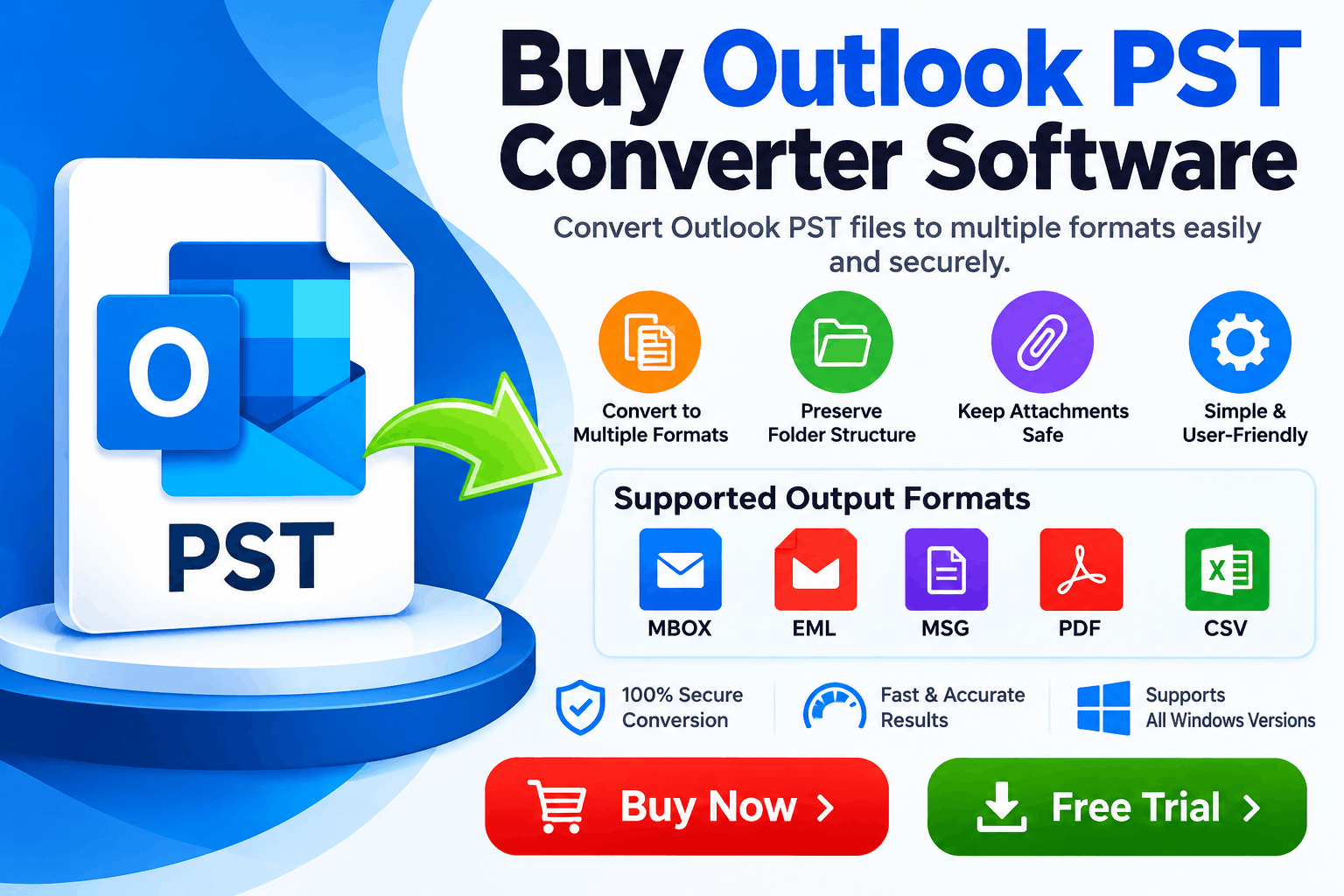
Outlook PST Converter Software is a specialized utility that processes Outlook PST data and converts it into other supported formats. Depending on the product, supported output formats may include MBOX, EML, MSG, PDF, and other file types.
The software can be useful when users want to migrate email data between platforms, preserve historical correspondence, archive important messages, or access email information in applications that do not directly support PST files.
Unlike manual conversion methods, dedicated software may provide a centralized interface for selecting PST files, previewing mailbox content, choosing output formats, and exporting selected data.
Available features vary by software, so users should confirm that their preferred output format and required conversion options are supported before purchasing.
Why Buy Outlook PST Converter Software?
A professional PST conversion utility can offer several advantages for users managing large or complex Outlook archives.
Users may need to move Outlook emails to another email application or create accessible copies for long-term storage. A converter that supports multiple output formats can help meet these requirements without requiring a separate utility for every format.
Before purchasing, verify that the software supports the exact destination format you need.
Organizations and experienced Outlook users may maintain multiple PST files across different projects, employees, or backup locations. A batch conversion feature can reduce repetitive manual work by allowing multiple files to be processed through a single workflow.
Check whether the selected product supports batch processing, file-size limits, and the number of files that can be handled in one operation.
Mailbox structure is important when converting archived correspondence. Depending on the software, useful features may include folder hierarchy preservation, attachment handling, and the retention of supported email metadata.
These capabilities can make it easier to locate messages after conversion. Always test the software with representative files to verify that the exported data meets your requirements.
Moving email information between applications can be challenging when the source and destination platforms use different file formats. PST conversion software can help prepare mailbox data for migration, subject to the destination application's import requirements.
This is particularly useful for IT teams, consultants, and businesses managing email platform changes.
Old PST archives may contain important business conversations, customer correspondence, invoices, or project records. Converting selected data into an appropriate format can make it easier to store, share, search, or review historical information.
Users should maintain a secure original backup before beginning any conversion process.
Key Features to Check Before Purchasing
Not every Outlook PST Converter offers the same functionality. Evaluate the following features before buying.
|
Feature |
Why It Matters |
|
Multiple output formats |
Supports different migration and archiving requirements |
|
Batch conversion |
Helps process multiple PST files efficiently |
|
Email preview |
Allows users to inspect selected data before exporting |
|
Attachment handling |
Helps retain associated email files |
|
Folder hierarchy preservation |
Keeps converted messages organized |
|
Large-file support |
Helps accommodate substantial email archives |
|
Compatibility |
Ensures the utility works with your operating system and workflow |
|
Export selection |
Allows specific folders or messages to be processed when supported |
|
Clear licensing |
Helps users understand permitted installations and usage |
|
Technical support |
Assists with product-related issues |
Choose features according to your actual needs rather than paying for options you are unlikely to use.
How to Buy Outlook PST Converter Software
Purchasing a reliable conversion utility involves more than comparing product prices. Follow these steps to make an informed decision.
Step 1: Identify your conversion requirements. Determine whether you need to convert PST to MBOX, EML, MSG, PDF, or another supported format.
Step 2: Check compatibility. Confirm that the software supports your Windows version and any relevant Outlook environment or destination application.
Step 3: Review the available features. Look for batch processing, attachment handling, folder preservation, and preview options if these are important to your workflow.
Step 4: Download a trial version, if available. Test the software with a copy of a representative PST file. Check whether the preview, conversion process, and resulting files meet your expectations.
Step 5: Review pricing and licensing. Understand whether the license is personal or commercial, how many computers are covered, and whether updates or support are included.
Step 6: Purchase from an authorized source. Use the software provider's official website or another authorized seller. Review the payment terms and refund policy before completing the transaction.
Step 7: Validate the converted data. After conversion, open the output files in the intended application and check message content, attachments, dates, and folder organization.
Who Needs Outlook PST Converter Software?
A PST conversion tool may be useful for several types of users.
The right solution depends on the source files, destination format, data volume, and operational requirements.
Outlook PST Converter Software vs. Manual Conversion
Manual approaches may be sufficient when only a small amount of data needs to be transferred and Outlook already provides the necessary export options. However, manual methods can become time-consuming when users need specialized output formats, bulk processing, or a more structured workflow.
Dedicated converter software may provide additional format options and centralized processing features, depending on the product.
Before purchasing, compare the software's capabilities with the built-in features of your current applications. If your existing tools already meet your requirements, a paid converter may not be necessary.
Data Security and Reliability Considerations
Email archives can contain confidential business information, personal correspondence, and sensitive attachments. Security should therefore be a key consideration when selecting PST conversion software.
Choose a provider that clearly explains its data-handling practices, software licensing, and support policies. If privacy is important, investigate whether conversion takes place locally on your computer or involves uploading files to an external service.
Keep the original PST files unchanged, create a backup before conversion, and test the process on a copy. For business environments, follow applicable retention, access-control, and data-protection policies.
A trial run with a small sample is a practical way to identify compatibility issues before processing a large archive.
Frequently Asked Questions
It converts Outlook PST data into supported file formats for migration, archiving, accessibility, or other data-management needs.
Some third-party converters can process PST files without requiring Outlook to be installed. Requirements differ by product, so verify this capability before purchasing.
Common requirements include MBOX, EML, MSG, and PDF. The appropriate format depends on your destination application and whether you need editable email messages or readable documents.
Yes. If a trial is available, use it to assess compatibility, preview functionality, conversion quality, and any export limitations before buying a license.
Create a backup, convert a copy of the original PST file, and validate the resulting messages and attachments before relying on the converted data.
Compare supported formats, batch conversion, attachment handling, compatibility, licensing, technical support, security practices, and total cost.
Conclusion
Buying Outlook PST Converter Software can be a practical option for users who need a structured way to convert, migrate, or archive Outlook mailbox data. The most suitable product is one that supports your required output format, handles your files reliably, provides appropriate export controls, and offers transparent licensing.
Before making a purchase, evaluate the available features, test a trial version when possible, and verify the converted data with your destination application. These steps help you select a solution that fits your technical requirements and budget.
Ready to convert your Outlook PST files? Compare available PST conversion tools, review their supported formats, and choose a solution that matches your email migration or archiving needs. Download a trial if available and verify the results before purchasing a full license.
*try to Free Download enables you to preview & converted file and save 30 items per folder.




0 Comments