
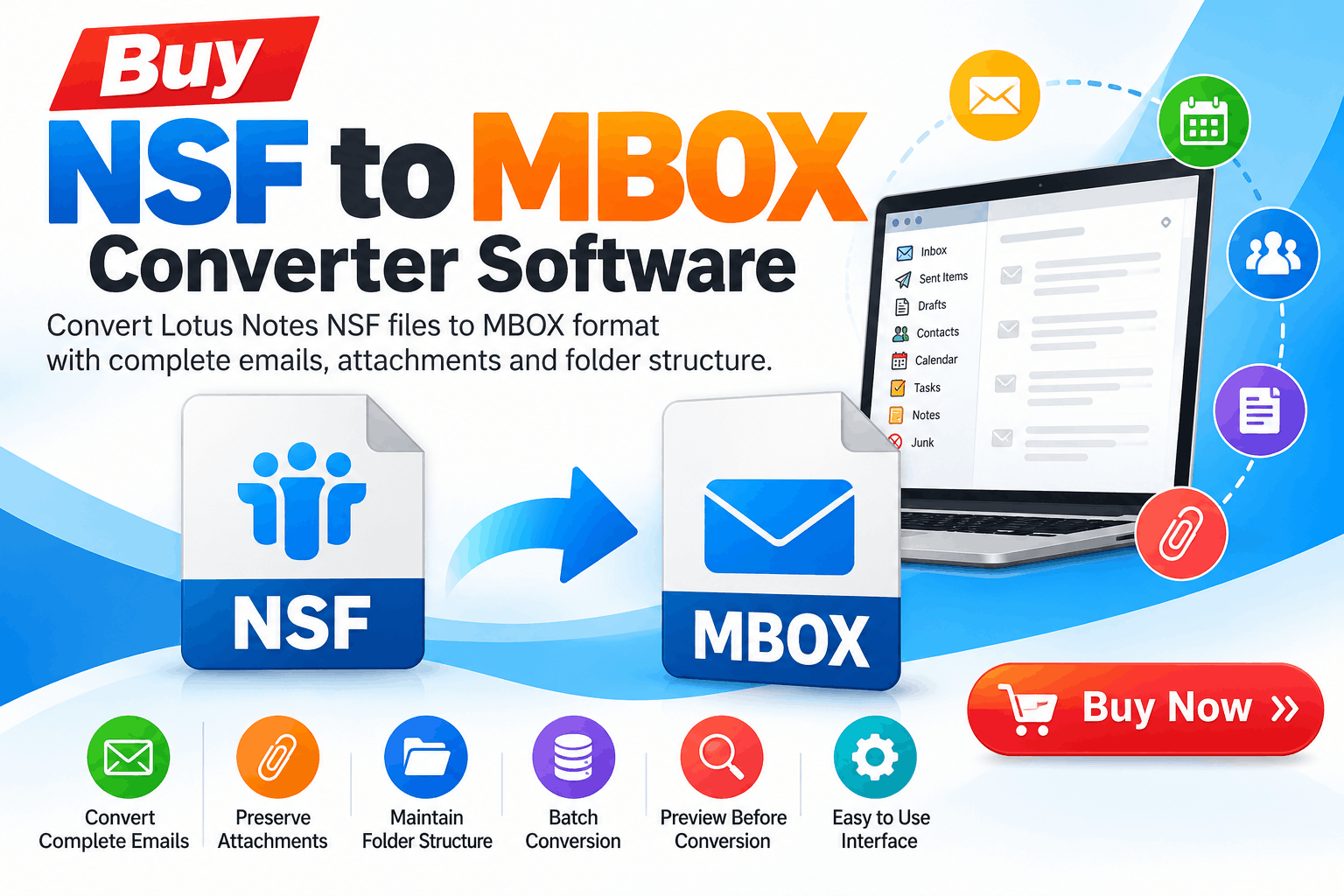
Migrating email data from Lotus Notes or HCL Notes to another email platform can become complicated when mailbox information is stored in NSF files. NSF databases can contain emails, attachments, calendars, contacts, journals, and other important information. When users need to move this information into an MBOX-supported email application, a dedicated NSF to MBOX Converter Software can simplify the migration process.
If you are planning to buy NSF to MBOX Converter Software, choosing a tool with the right conversion features is important. The software should support accurate mailbox conversion, preserve folder structures, handle attachments, and provide a straightforward workflow for both technical and non-technical users.
What Is NSF to MBOX Converter Software?
NSF to MBOX Converter Software is a specialized utility designed to extract email data from Lotus Notes NSF database files and convert it into the MBOX format.
The MBOX format is supported by several email applications and platforms, making it useful when organizations migrate away from Lotus Notes or need to access archived email data in another environment.
Instead of manually exporting individual messages, a converter can process NSF files in a structured manner and create corresponding MBOX files.
Why Buy NSF to MBOX Converter Software?
Free utilities may be suitable for simple conversion requirements, but professional environments often need additional capabilities. A commercial NSF to MBOX converter can provide features designed for larger or more complicated migration projects.
Some common reasons users choose dedicated conversion software include:
For businesses handling valuable email archives, these capabilities can help make the migration process more organized.
Key Features to Check Before You Buy
Not every NSF to MBOX conversion tool offers the same functionality. Before purchasing software, evaluate the following features.
The primary requirement is reliable conversion from NSF to MBOX. The software should recognize the source NSF database and generate usable MBOX output without requiring complicated configuration.
Organizations may have dozens or hundreds of NSF files. Batch conversion can reduce repetitive work by allowing multiple NSF databases to be processed together.
Attachments are often an essential part of business correspondence. A suitable converter should maintain email attachments during the conversion process rather than extracting only message text.
Email databases can contain folders and subfolders that help users organize years of communication. Preserving this structure can make the converted mailbox easier to navigate.
Some users do not need to migrate an entire NSF database. A selective conversion feature can allow users to choose specific folders or mailbox data for processing.
A preview feature lets users inspect mailbox contents before starting the final conversion. This can help verify that the required messages and folders are available in the source database.
Before you buy NSF to MBOX Converter Software, check operating-system compatibility and supported NSF versions. Also verify that the resulting MBOX files are compatible with the target email application.
How Does NSF to MBOX Conversion Work?
The general conversion process is straightforward.
Step 1: Install the software
Download and install the NSF to MBOX converter on a compatible Windows computer.
Step 2: Add NSF files
Launch the application and select the NSF database files that you want to convert.
Step 3: Preview mailbox data
If the software provides a preview option, examine folders, messages, and attachments before proceeding.
Step 4: Select MBOX as the output format
Choose MBOX as the destination format and specify the output location.
Step 5: Start conversion
Begin the conversion process. The software reads the NSF database and creates MBOX output based on the selected data.
Step 6: Verify the output
After conversion, open the generated MBOX files using a compatible email application or migration workflow and verify important messages, folders, and attachments.
Who Needs NSF to MBOX Converter Software?
This type of software can be useful for several groups.
IT Administrators
IT teams may need to migrate archived Lotus Notes data to a different email environment. A dedicated converter can make large-scale data processing easier to manage.
Businesses
Organizations changing email platforms may need to preserve historical correspondence. Converting NSF databases into MBOX can provide another route for accessing archived messages.
Individual Users
Users with personal NSF archives may want to access old email information outside the Lotus Notes environment.
Data Recovery and Migration Professionals
Specialists working with legacy email databases may use conversion software when extracting information from NSF files for migration or archival purposes.
NSF to MBOX Converter vs. Manual Export
Manual export can work for limited amounts of data, but it may become inefficient when dealing with large databases. Users may need to repeat several steps for different folders or accounts.
Dedicated conversion software can automate much of this process. Features such as batch processing, folder selection, preview, and attachment handling can make the workflow more systematic.
However, users should still evaluate the software according to their specific migration requirements instead of assuming that every converter supports every NSF database scenario.
How to Choose the Right NSF to MBOX Converter
When deciding which software to buy, consider these practical factors:
Conversion accuracy: Check whether the software preserves important mailbox information.
Data handling: Look for support for large NSF files and multiple databases if required.
Attachments: Confirm that attachments are retained during conversion.
Usability: A clear interface can reduce the learning curve for non-technical users.
Selective conversion: This is useful when only specific folders or messages need to be migrated.
Trial version: If available, test the software with a copy of your actual NSF data before purchasing a full license.
Technical support: Check whether the vendor provides documentation and customer support.
Output compatibility: Verify that the generated MBOX files work with your intended email platform.
Best Practices Before NSF to MBOX Conversion
Before starting any migration, follow a few precautions.
First, create a backup copy of the original NSF files. Never perform experimental conversion directly on your only copy of important data.
Second, check the available storage space. Large NSF databases and converted MBOX files can require significant disk capacity.
Third, test the conversion using a small NSF file before processing an entire archive.
Finally, verify the converted data after migration. Check representative emails, attachments, folders, dates, and other important information.
Final Thoughts
Choosing to buy NSF to MBOX Converter Software can be useful when you need a structured way to migrate Lotus Notes NSF mailbox data into the MBOX format. Professional conversion tools can simplify tasks such as batch processing, attachment preservation, folder handling, selective conversion, and mailbox preview.
Before purchasing, compare the software's supported NSF versions, output compatibility, conversion capabilities, security features, licensing options, and trial availability. A test conversion using a copy of your actual data is also a practical way to evaluate whether the software meets your requirements.
For organizations and individuals managing important legacy email archives, selecting a converter based on technical requirements rather than simply price can help create a more predictable and manageable NSF-to-MBOX migration workflow.
*try to Free Download enables you to preview & converted file and save 30 items per folder.




0 Comments