
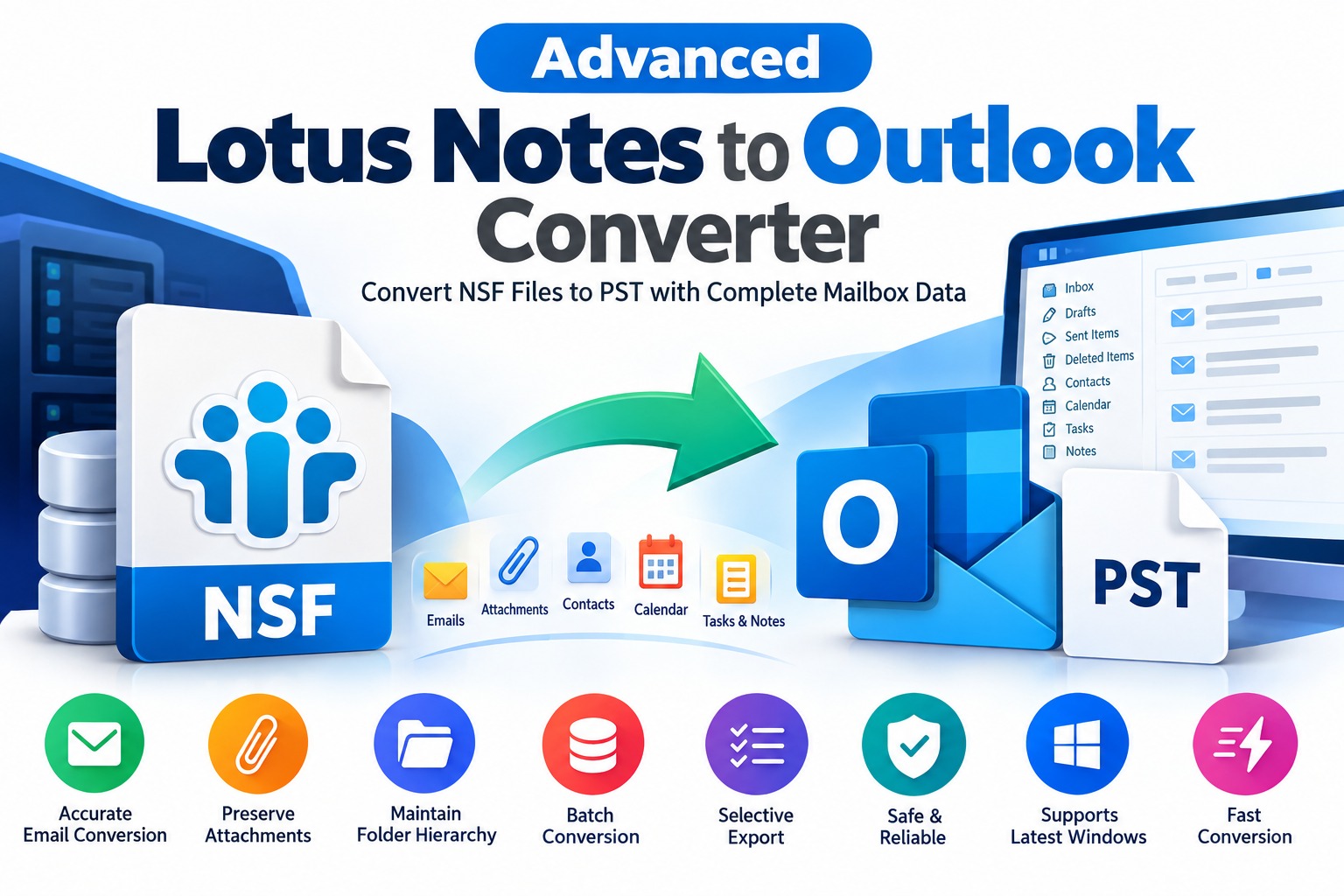
Migrating from IBM Lotus Notes to Microsoft Outlook can be challenging when organizations need to transfer important emails, attachments, contacts, calendars, and other mailbox information. Lotus Notes stores mailbox data in NSF (Notes Storage Facility) files, whereas Outlook commonly uses PST (Personal Storage Table) files for storing and importing email data. Because these formats are different, users often need a reliable solution to convert NSF files into Outlook-compatible PST files.
An Advanced Lotus Notes to Outlook Converter helps simplify this migration process by providing tools to extract NSF mailbox data and convert it into PST format. Whether you are an individual user, an IT administrator, or a business managing multiple mailboxes, choosing the right conversion method can help reduce manual work and support an organized migration.
What Is an Advanced Lotus Notes to Outlook Converter?
An advanced Lotus Notes to Outlook converter is a software solution designed to migrate email data from Lotus Notes or HCL Notes environments to Microsoft Outlook. It processes NSF files and converts supported mailbox items into a format that Outlook can import.
Depending on the software's capabilities, supported data may include:
The exact data types and properties preserved depend on the source file, the converter, and the selected export settings. Users should verify these capabilities before beginning a large migration.
Why Do Users Need Lotus Notes to Outlook Conversion?
Organizations may switch from Lotus Notes to Outlook for several operational and technical reasons.
Before migration, administrators should identify which data must be retained and whether any Lotus Notes-specific applications, workflows, or database features require separate treatment.
Key Features of Advanced NSF to PST Converter Software
When evaluating a professional conversion solution, consider the following features.
The software should analyze supported NSF files and identify available mailbox data before conversion. A preview feature is useful because it allows users to inspect messages and folders before exporting them.
Email content, sender and recipient details, timestamps, and attachments are important business records. Choose a converter that clearly documents which message properties and attachment types it preserves.
Maintaining the original mailbox structure can make migrated data easier to navigate. Check whether the tool preserves nested folders and message organization in the resulting PST file.
Organizations managing multiple NSF files can benefit from batch processing. This capability may reduce repetitive manual operations and make large migration projects easier to manage.
Selective conversion allows users to choose specific mailboxes, folders, or items instead of exporting everything. This can be useful when migrating only relevant historical data.
Verify the converter's supported Windows versions and its compatibility with the intended Outlook edition. Requirements can vary by software version, so consult the vendor's documentation.
A dependable migration workflow should provide understandable progress information and error reports. After conversion, users should be able to validate the exported data rather than relying solely on a completion message.
How to Convert Lotus Notes NSF Files to Outlook PST
The exact steps vary by converter, but a typical software-assisted migration follows this workflow.
Step 1: Prepare the Source Data
Locate the NSF files that contain the required mailbox information. Create a backup of the original files and confirm that you have permission to access the data.
Step 2: Install the Conversion Software
Download a compatible Lotus Notes to Outlook converter from a reputable vendor. Review its system requirements and test the software with a small sample before processing important business data.
Step 3: Add the NSF File
Open the application and select the NSF file or files you want to process. If the software offers a preview, inspect the available folders and mailbox contents.
Step 4: Select the Export Format
Choose PST as the output format if it is supported by the application. Configure any available options for folder selection, naming, and destination storage.
Step 5: Start the Conversion
Run the conversion process and monitor the progress and error messages. Large files may require additional time and sufficient disk space.
Step 6: Import or Open the PST File in Outlook
After conversion, use a compatible Outlook installation to open or import the PST file as appropriate. The exact procedure depends on your Outlook version and migration requirements.
Step 7: Verify the Results
Check message counts, attachments, dates, contacts, and folder structures. Open representative emails and compare them with the source data before treating the migration as complete.
How to Choose the Best Lotus Notes to Outlook Converter
Not every converter offers the same capabilities. Compare potential solutions using practical evaluation criteria.
A small pilot migration is one of the most effective ways to evaluate whether a tool meets your requirements.
Common Challenges During NSF to PST Migration
Users may encounter inaccessible NSF files, incomplete exports, missing attachments, unusual characters, or differences in folder organization. Some Lotus Notes databases may also contain application-specific information that cannot be represented directly in a standard Outlook mailbox.
To reduce these risks, back up the original data, use supported source files, maintain sufficient storage space, and test the output carefully. If a file is damaged or encrypted, confirm whether the selected software supports that particular condition instead of assuming every NSF file can be processed.
For business migrations, retain the original files until the migrated data has been verified and the organization's retention requirements have been satisfied.
Frequently Asked Questions
What is an NSF to PST converter?
It is a software tool that converts supported Lotus Notes or HCL Notes mailbox data stored in NSF files into Outlook-compatible PST files.
Can I migrate Lotus Notes emails to Outlook without losing attachments?
Attachment preservation depends on the source data and the converter's capabilities. Test representative messages and verify the exported attachments before completing the migration.
Is Lotus Notes required for NSF to PST conversion?
Requirements vary by tool. Some converters can process supported NSF files independently, while other methods may require access to the original Lotus Notes environment.
Can I convert multiple NSF files at once?
Some professional converters support batch processing. Check the product specifications and trial version to confirm the number of files and other applicable limitations.
Is free NSF to PST converter software available?
Some vendors offer free trials or limited tools. Before choosing a free solution, check its export limitations, supported data types, security practices, and compatibility.
Conclusion
An advanced Lotus Notes to Outlook converter can simplify email migration by helping users transfer supported NSF mailbox data into PST format. The right solution should provide clear conversion options, reliable file processing, appropriate data-preservation features, and compatibility with the target Outlook environment.
Before selecting a product, compare its capabilities, test it with representative files, and verify the exported data. A careful migration plan helps businesses preserve important correspondence, reduce avoidable errors, and maintain access to historical email records.
Looking for a professional Lotus Notes to Outlook migration solution? Evaluate an NSF to PST converter that matches your file requirements, supports your target environment, and offers a practical way to test conversion quality before purchasing.
*try to Free Download enables you to preview & converted file and save 30 items per folder.




0 Comments