
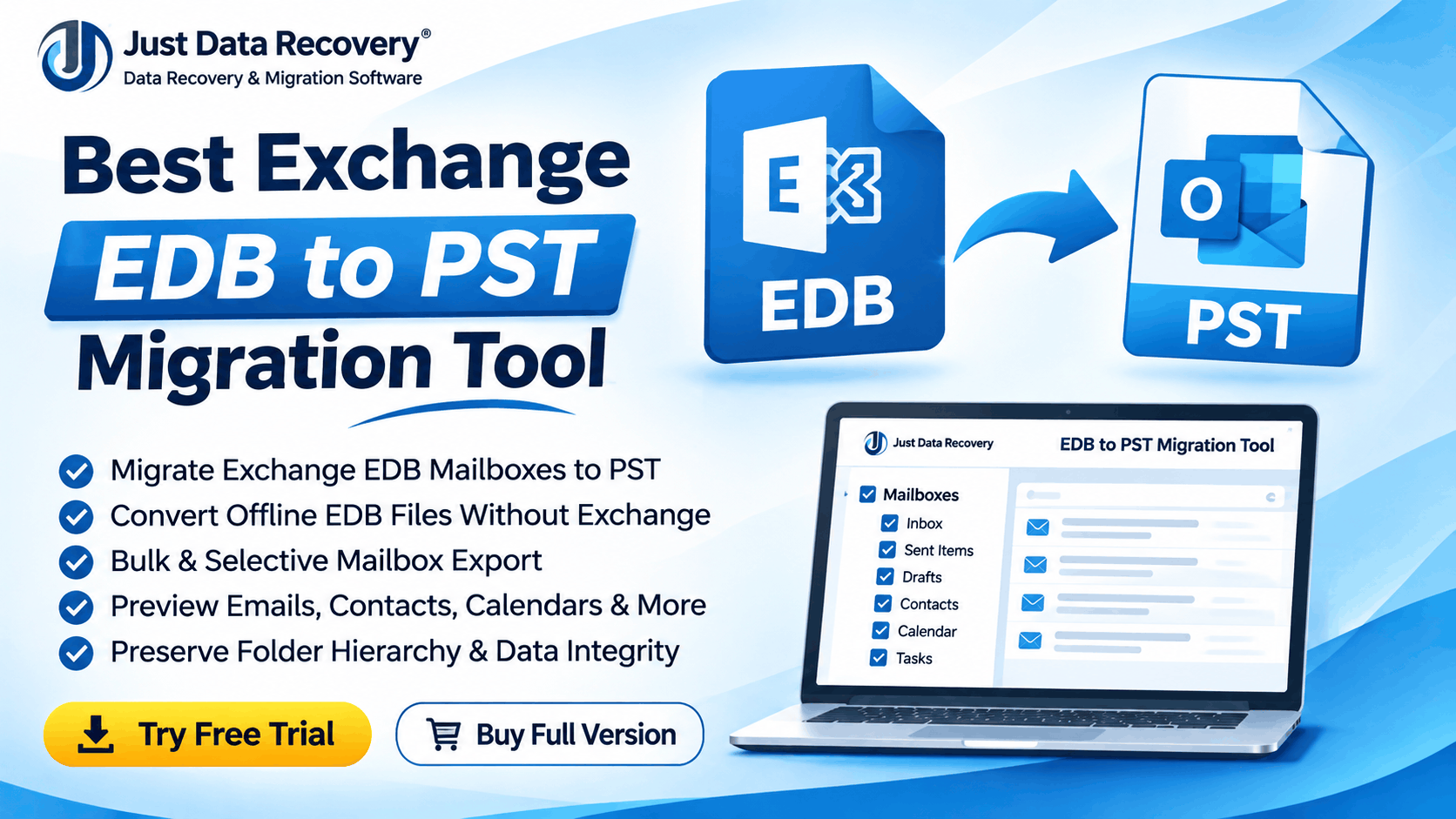
Migrating email data from Microsoft Exchange Server to Outlook PST format is a common requirement for businesses, IT administrators, and organizations managing large email databases. Exchange databases store essential mailbox information, including emails, attachments, contacts, calendars, tasks, and other communication records. However, when an Exchange database becomes inaccessible, an organization changes its email platform, or administrators need to create individual mailbox backups, extracting data from EDB files becomes important.
Choosing the best Exchange EDB to PST migration tool can make this process easier, faster, and more reliable. A professional EDB to PST migration solution helps users extract mailbox data from Exchange Database (EDB) files and convert it into Outlook-compatible PST format without requiring complicated manual procedures.
This article explains the essential features, selection criteria, benefits, and working process of an effective Exchange EDB to PST migration tool.
What Is an Exchange EDB to PST Migration Tool?
An Exchange EDB to PST migration tool is specialized software designed to extract mailbox information from Exchange Database files and export it into PST format. EDB files are database files used by Microsoft Exchange Server to store mailbox and public folder information.
PST (Personal Storage Table) is an Outlook data file format that stores emails, attachments, contacts, calendars, and other mailbox items.
The primary purpose of EDB to PST migration software is to simplify the extraction and conversion process. Instead of manually managing complicated database operations, users can select an EDB file, scan its contents, preview mailbox information, and export the required data into PST format.
Such tools are particularly useful when Exchange Server is unavailable, mailbox backups are required, or organizations are planning email platform migrations.
Why Do Users Need Exchange EDB to PST Migration Software?
There are several situations where converting Exchange EDB files into PST format becomes necessary.
Organizations upgrading or replacing their Exchange Server infrastructure may need to export existing mailbox information into PST files. These files can serve as intermediate migration archives or support mailbox transfer workflows.
Sometimes administrators have EDB files available but cannot access the original Exchange Server environment. A suitable offline EDB to PST converter can help extract mailbox data without connecting to the original server, subject to the software's supported EDB versions and file conditions.
PST files provide a convenient way to store individual Outlook mailboxes. Businesses can use them for archival purposes, data retention, and long-term email management.
When an Exchange database becomes inaccessible, specialized EDB extraction software may help retrieve recoverable mailbox information. Results depend on the condition of the database and the software's recovery capabilities.
Administrators may need to extract selected mailboxes instead of migrating an entire Exchange database. A professional migration tool can simplify selective mailbox extraction.
Key Features of the Best Exchange EDB to PST Migration Tool
Before selecting any EDB to PST migration software, evaluate its technical capabilities and supported features.
The software should support offline EDB file scanning and extraction. This feature is important when users do not have access to the original Exchange Server environment.
For organizations managing multiple mailboxes, bulk conversion is an important requirement. The tool should provide options to export multiple mailboxes into separate PST files, where supported.
A preview option allows users to inspect mailbox contents before exporting them. Users should be able to examine emails, attachments, contacts, calendars, and folder structures when supported.
The best EDB to PST converter should provide selective export capabilities. This helps administrators migrate only the necessary mailboxes, folders, or data items rather than processing everything.
A reliable EDB to PST migration solution should aim to preserve email content, attachments, metadata, and folder hierarchy during conversion. Users should verify the exported PST files after migration.
Enterprise Exchange databases can contain substantial amounts of mailbox information. Look for software that supports large EDB files and provides stable processing with appropriate system resources.
A simple interface makes the migration process easier for beginners and IT professionals. Clear scanning, preview, and export options help reduce operational complexity.
How to Choose the Best EDB to PST Migration Tool
Selecting suitable Exchange EDB to PST migration software requires more than comparing product prices. Consider these important factors:
Comparing these factors helps users identify an appropriate EDB to PST migration solution based on their technical requirements.
How to Convert Exchange EDB Files to PST Using Professional Software
Although the exact workflow varies between software products, most EDB to PST migration tools follow a similar process.
Step 1: Install the Software
Download and install a compatible Exchange EDB to PST migration application on your Windows computer.
Step 2: Select the EDB File
Launch the application and browse to the location where the Exchange EDB database is stored. Select the required file for scanning.
Step 3: Scan the Database
Start the scanning process. The software examines the selected EDB file and identifies available mailbox information.
Step 4: Preview Mailbox Data
After scanning, explore the available mailbox folders. Preview emails, attachments, contacts, calendars, and other supported items.
Step 5: Select PST as the Export Format
Choose PST as the destination format. Select the required mailboxes or folders for migration.
Step 6: Start the Conversion
Choose the destination location and begin exporting the selected mailbox information into PST files.
Step 7: Verify Exported PST Files
After conversion, open the resulting PST files in a compatible Outlook environment and verify the exported mailbox information.
Benefits of Using Professional Exchange EDB to PST Migration Software
A professional EDB to PST converter offers several advantages over complicated manual extraction methods.
These benefits make specialized EDB to PST migration software a useful option for IT administrators and organizations handling Exchange database files.
Why Consider Just Data Recovery for EDB to PST Migration?
When evaluating an Exchange EDB to PST migration solution, users can consider software products offered by Just Data Recovery.
A suitable professional EDB to PST migration product should focus on simplifying EDB file processing, mailbox extraction, and PST export operations.
Before selecting a Just Data Recovery solution, users should review its current product specifications, supported Exchange versions, available export options, system requirements, and trial limitations.
Testing the software with a sample EDB file is a practical way to evaluate its suitability for a particular migration requirement.
Frequently Asked Questions (FAQs)
Q1. Which is the best Exchange EDB to PST migration tool?
The best tool is one that supports your Exchange database version, offline EDB conversion, selective mailbox extraction, bulk export, mailbox preview, and reliable PST generation. Always evaluate compatibility and test the software before purchasing.
Q2. Can I convert EDB files to PST without Exchange Server?
Yes. Certain professional EDB to PST migration applications support offline conversion without requiring an active Exchange Server installation. Compatibility depends on the software and database version.
Q3. Does EDB to PST conversion preserve attachments?
Professional conversion tools generally aim to preserve email attachments and other supported mailbox information. Verify the results using a trial conversion.
Q4. Can I convert multiple Exchange mailboxes into PST files?
Yes. Some EDB to PST migration tools provide bulk mailbox export functionality, allowing users to process multiple mailboxes in a single workflow.
Q5. Is it possible to recover data from corrupted EDB files?
Some specialized tools support scanning and extracting recoverable information from damaged EDB databases. However, complete recovery cannot be guaranteed, particularly when database corruption is severe.
Q6. Is a free trial available for EDB to PST migration software?
Many commercial software providers offer trial editions. Check the vendor's official website for current trial availability and export limitations.
Conclusion
Choosing the best Exchange EDB to PST migration tool is important for organizations that need to extract, migrate, archive, or recover Exchange mailbox information. A suitable solution should provide offline EDB scanning, bulk mailbox export, selective conversion, mailbox preview, and reliable PST generation.
Before purchasing any software, compare its technical features, Exchange compatibility, processing capabilities, and customer support. Testing a free trial with sample EDB files can help determine whether the application meets your requirements.
For users exploring professional email migration solutions, Just Data Recovery is one option to evaluate based on its available EDB migration product specifications. Selecting the right software can simplify Exchange database management and make mailbox migration more efficient.
*try to Free Download enables you to preview & converted file and save 30 items per folder.




0 Comments