
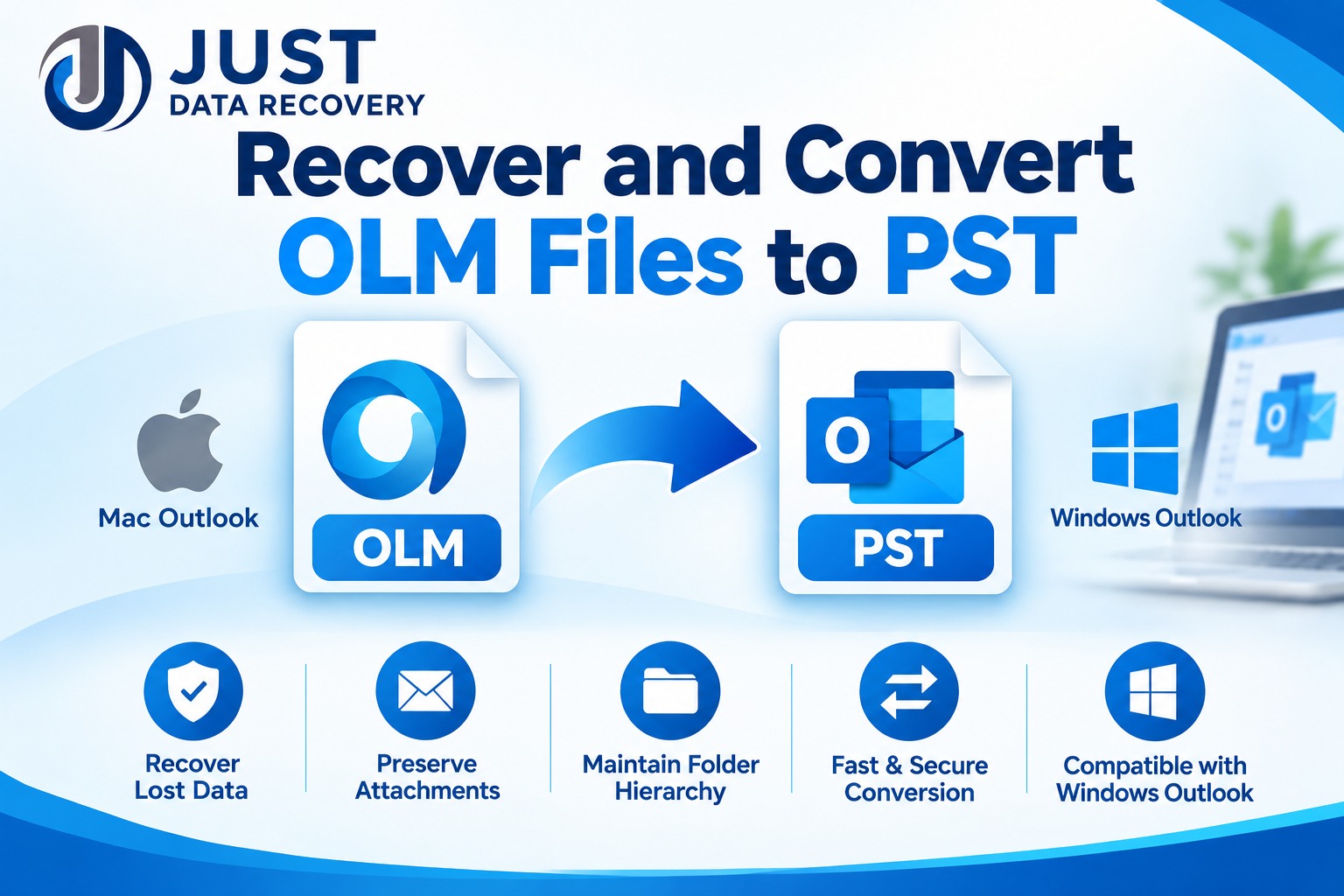
Have you ever tried opening an old Mac Outlook mailbox on a Windows computer, only to discover that your email data is stored in an incompatible format? This is a common challenge for users migrating from Mac Outlook to Microsoft Outlook for Windows. Mac Outlook stores mailbox information in OLM files, whereas Windows Outlook primarily uses PST files for importing and exporting mailbox data.
When an OLM file becomes inaccessible, damaged, or difficult to migrate, users may need a reliable method to recover and convert OLM files to PST. A proper conversion process helps users transfer important emails, attachments, contacts, calendars, and other mailbox information into a Windows-compatible format.
In this guide, we will explore OLM file recovery, conversion methods, common migration challenges, and how professional OLM to PST Converter Software can simplify the process.
What Is an OLM File?
OLM stands for Outlook for Mac Data File. It is a mailbox storage format used by Microsoft Outlook for Mac to store different types of email information.
An OLM file may contain:
Although OLM files are useful for backing up Mac Outlook data, they are not directly compatible with Windows Outlook in the same way as PST files.
Therefore, users migrating from Mac to Windows often need to convert OLM files into PST format.
Why Do Users Need to Recover and Convert OLM Files to PST?
There are several reasons why users need OLM recovery and conversion solutions.
Organizations frequently migrate employees from Mac computers to Windows-based systems. Since Outlook uses different data storage formats across platforms, converting OLM to PST makes mailbox migration easier.
Sometimes, users cannot access their old OLM backups because of file corruption, storage problems, or software compatibility issues. A recovery-capable solution may help extract readable mailbox information from supported damaged files.
Unexpected system shutdowns, interrupted backup processes, and storage failures can affect mailbox accessibility. Maintaining an additional backup before attempting recovery is essential.
PST files provide a convenient way to archive Outlook mailbox information. Users can preserve historical emails and attachments for future reference.
Businesses often need to migrate years of email communication while maintaining folder organization and important attachments. OLM to PST conversion can support this transition.
How to Recover and Convert OLM Files to PST Manually
Users can explore manual approaches before purchasing specialized conversion software. However, the available options depend on the condition of the OLM file and the Outlook versions involved.
Method 1: Export OLM Data Using Outlook for Mac
If the OLM file is accessible through a compatible Outlook for Mac installation, users can investigate the following process:
Limitation: Outlook for Mac versions and export capabilities differ. This method does not necessarily create a PST file directly.
Method 2: Use an Intermediate Mailbox Migration
Another approach is to transfer accessible mailbox information through a supported email account or migration service.
General steps include:
This approach may be unsuitable for offline OLM backups, very large mailboxes, or files that cannot be opened.
How Professional OLM to PST Converter Software Helps
When manual methods are complicated or the original OLM file cannot be accessed through Outlook, dedicated OLM to PST Converter Software may provide a more convenient alternative.
Professional conversion tools are designed to read supported OLM files and export their mailbox contents into PST format.
Depending on the product's capabilities, important features may include:
Before purchasing any tool, check whether it supports your Outlook version, OLM file condition, mailbox size, and required export features.
Step-by-Step Guide to Recover and Convert OLM Files to PST Using Software
A dedicated OLM conversion application can simplify the migration workflow.
Step 1: Download and Install the Software
Choose a reputable OLM to PST Converter Software provider. Download the installation package from its official website and install it on your Windows computer.
Step 2: Add the OLM File
Launch the application and locate the option to browse or add OLM files. Select the source file that you want to recover or convert.
Step 3: Scan the Selected File
Start the scanning process. The software should examine the selected OLM file and identify the mailbox information it can read.
If the file is damaged, recovery results will depend on the extent and type of corruption.
Step 4: Preview Mailbox Data
If preview functionality is available, examine the recovered mailbox folders, email messages, contacts, and attachments.
Check whether the required information is accessible before proceeding.
Step 5: Select PST as the Output Format
Choose PST as the destination format. Select the required mailbox folders and configure any available export settings.
Step 6: Start the Conversion
Choose a secure destination folder and initiate the conversion process. Avoid interrupting the operation while the application is processing the mailbox.
Step 7: Verify the Converted PST File
After conversion, open the resulting PST file using a compatible Outlook installation or supported PST viewing method.
Verify email messages, attachments, folder structure, and other required data before deleting or replacing the original OLM backup.
Important Precautions Before OLM Recovery
Recovering and converting mailbox data requires careful handling.
Consider these recommendations:
Remember that severely corrupted or overwritten data may not be recoverable. No conversion application can guarantee complete recovery in every situation.
Free Manual Methods vs. Professional OLM to PST Converter Software
|
Comparison |
Manual Methods |
Professional Software |
|
Cost |
May be free |
Usually paid |
|
Technical knowledge |
May require more expertise |
Generally easier |
|
Offline OLM conversion |
Limited options |
Depends on product support |
|
Batch conversion |
Often complicated |
Available in some tools |
|
Selective conversion |
Depends on method |
Often supported |
|
Damaged OLM recovery |
Limited |
Depends on recovery capabilities |
|
Folder preservation |
Depends on migration method |
Depends on product features |
The best approach depends on the file condition, migration requirements, technical expertise, and budget.
Frequently Asked Questions
Yes, some specialized recovery applications can extract readable mailbox data from supported damaged OLM files. However, success depends on the extent of corruption.
Some third-party OLM to PST conversion applications support standalone conversion without requiring Outlook installation. Always verify the product's system requirements.
Many professional tools support attachment conversion. Users should verify the output to ensure important attachments have been retained.
Manual migration methods may be available without purchasing software. However, they can involve additional steps and may not support every offline or damaged OLM file.
Some professional applications offer batch conversion. Check whether the selected software supports multiple source files and the required output structure.
It can be safe when users create backups, choose reputable software, protect their mailbox data, and verify the resulting PST files.
Conclusion
Recovering and converting OLM files to PST is an important requirement for users migrating from Mac Outlook to Windows Outlook. Whether you are handling an inaccessible mailbox, transferring business emails, or archiving old communication, choosing the appropriate conversion method can help simplify the migration process.
Manual methods are worth considering when the OLM file is accessible, and the mailbox is relatively small. However, professional OLM to PST Converter Software can offer a more streamlined approach when users need selective conversion, batch processing, or support for particular damaged files.
Before selecting a solution, compare its features, compatibility, recovery capabilities, and pricing. Most importantly, preserve your original OLM backup and verify the converted PST data to ensure a reliable email migration.
*try to Free Download enables you to preview & converted file and save 30 items per folder.




0 Comments