
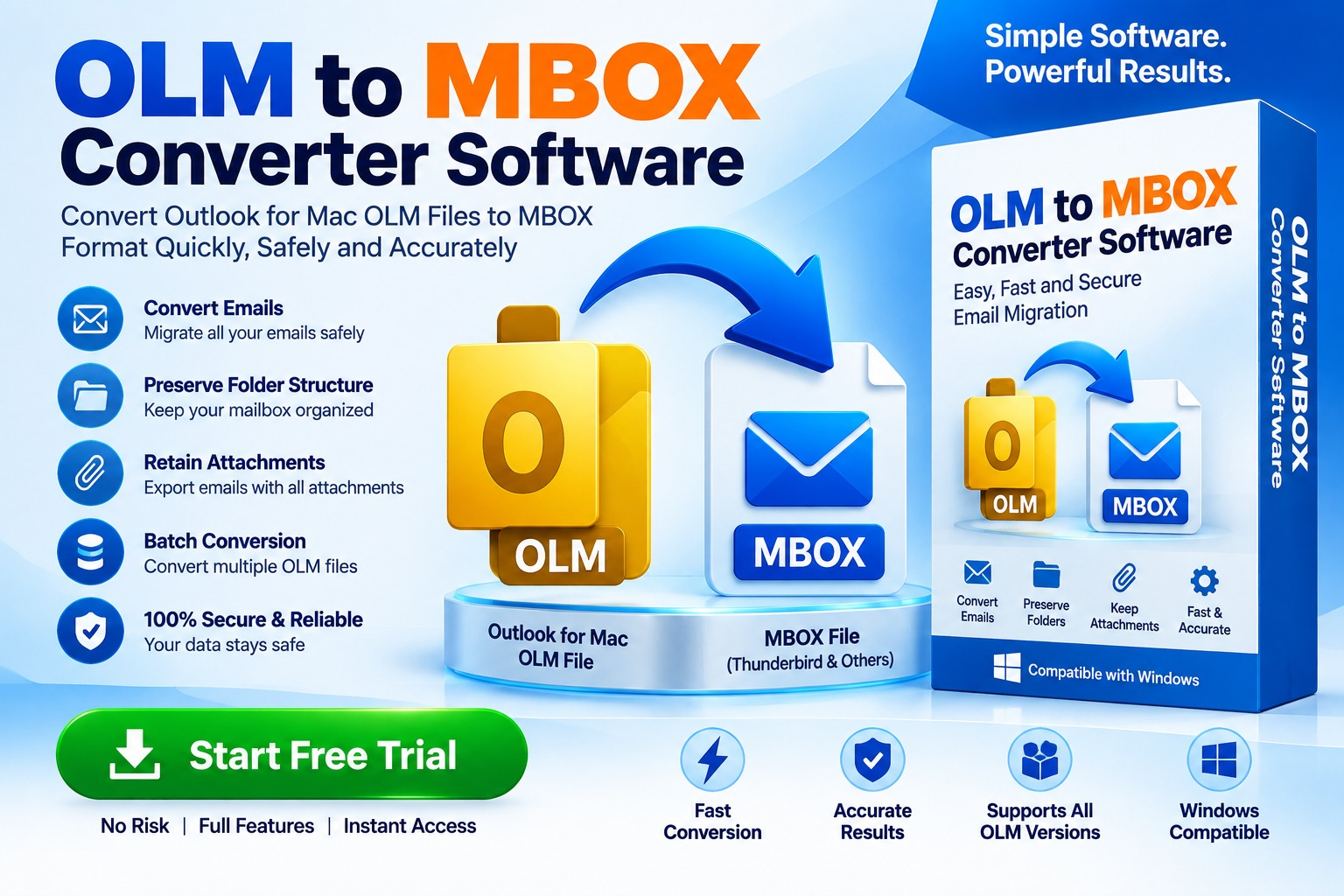
Moving email data between platforms can be more complicated than it first appears. Outlook for Mac stores mailbox information in OLM files, while applications such as Mozilla Thunderbird and several other email clients commonly use the MBOX format. When users need to move their historical emails from Outlook for Mac to an MBOX-compatible application, an OLM to MBOX Converter Software can simplify the process.
But what exactly does an OLM to MBOX converter do? How does the conversion work, and what should you consider before choosing a tool?
This guide explains OLM-to-MBOX conversion in simple terms while also covering the technical considerations that matter to IT professionals and advanced users.
What Is OLM to MBOX Converter Software?
OLM to MBOX Converter Software is a utility designed to convert email data stored in Microsoft Outlook for Mac OLM files into the MBOX format used by various email applications.
An OLM file can contain different types of mailbox information, including:
MBOX, on the other hand, is a mailbox storage format supported by applications such as Thunderbird and several Unix/Linux-based email systems.
The primary purpose of an OLM to MBOX converter is therefore email migration and data accessibility.
In Simple Terms
Think of an OLM file as a box containing Outlook email data. If your new email application cannot directly understand that box, converter software changes the mailbox structure into a format the destination application can recognize.
OLM → Converter → MBOX → MBOX-Compatible Email Client
This makes the migration process easier without manually transferring individual messages.
Why Convert OLM to MBOX?
There are several reasons users may need to convert OLM files into MBOX.
A user may decide to move from Outlook for Mac to Thunderbird or another MBOX-compatible application.
Organizations may have old Outlook for Mac archives that need to be preserved or accessed using another email platform.
Older OLM files can contain important correspondence, attachments, and business records. Converting them can make the data easier to access in supported applications.
Email migration projects may involve moving data between different operating systems or mail clients. MBOX can be useful when the destination platform supports the format.
Users sometimes want to retain old mailbox data independently of their original Outlook installation.
How Does OLM to MBOX Conversion Work?
Although the process may appear simple to the user, mailbox conversion involves several technical steps.
A typical conversion workflow looks like this:
OLM File → File Analysis → Mailbox Parsing → Data Extraction → MBOX Generation → Validation
Step 1: Select the OLM File
The user provides the OLM file to the converter.
Step 2: Analyze the Mailbox Structure
The software examines the source file and identifies available folders and email records.
Step 3: Parse Email Data
The converter processes individual messages and associated information.
Depending on the software, this can include:
Step 4: Convert Data to MBOX
The extracted mailbox information is reorganized into the destination MBOX structure.
Step 5: Save the Result
The resulting MBOX file is saved to a location selected by the user.
Step 6: Verify the Converted Data
The MBOX file should be opened in a compatible email application to verify that messages and attachments are accessible.
Can You Convert OLM to MBOX Without Outlook?
Yes, depending on the converter you use, OLM to MBOX conversion can be performed without having Microsoft Outlook installed.
This can be useful when:
However, software requirements vary. Before purchasing or installing a converter, check whether it supports standalone OLM processing and your intended operating system.
What Should You Look for in OLM to MBOX Converter Software?
Choosing a converter based only on its name is not enough. Technical capabilities can differ significantly between products.
The software should support the OLM files generated by the relevant versions of Outlook for Mac.
Make sure the application can generate valid MBOX output compatible with your intended destination email client.
If your archive contains multiple folders, folder preservation can make the resulting mailbox much easier to organize.
Attachments are often an important part of business email archives. Check whether the software preserves attachments during conversion.
If you have multiple OLM files, batch processing can reduce repetitive manual work.
Large mailbox archives can require significant processing time and storage space. A suitable tool should be designed to handle larger datasets efficiently.
A preview option can help users inspect mailbox contents before beginning the conversion.
Some users may not need to convert the entire archive. Folder or email selection can make migration more efficient.
OLM to MBOX Conversion for Windows
One common migration scenario involves processing an OLM file on a Windows computer.
Because OLM is associated with Outlook for Mac, Windows users may need dedicated software when they have received an OLM archive but do not have access to the original Mac environment.
A Windows-compatible converter can provide a workflow such as:
Load OLM → Scan Mailbox → Preview Data → Select Folders → Convert → Save MBOX
Before starting, users should verify:
Free vs. Professional OLM to MBOX Converter Software
Users often search for free OLM to MBOX converter software. Free tools can be useful for basic or small conversion requirements, but they may have limitations.
Possible limitations include:
Professional software may provide additional capabilities such as batch conversion, advanced scanning, selective export, preview, and technical support.
The best choice depends on the size and complexity of the migration rather than simply whether the software is free.
Is OLM to MBOX Conversion Safe?
The safety of an email conversion depends on the software, its source, and how the conversion is performed.
For sensitive business or personal mailboxes, local conversion software can be preferable to services that require uploading an entire mailbox to an external server.
Before processing important data:
These practices reduce the risk of accidental data loss.
Common Problems During OLM to MBOX Conversion
Conversion isn't always straightforward. Users may encounter issues such as:
Unsupported OLM File
The converter may not support the specific OLM structure or version.
Corrupted OLM File
A damaged source archive can prevent complete extraction.
Missing Attachments
Incorrect parsing or unsupported message structures may affect attachment handling.
Large Mailbox Processing
Very large OLM files may require additional processing time and disk space.
Folder Mapping Differences
The source and destination email applications may organize folders differently.
For important archives, always test the conversion with a copy of the original data first.
Best Practices for OLM to MBOX Migration
A successful migration should involve more than simply clicking a conversion button.
Create a Backup
Never rely on the converted file as your only copy.
Organize Your Source Data
If possible, identify which OLM files and folders are actually required.
Check Available Storage
The destination files may require considerable disk space.
Perform a Test Conversion
Convert a small mailbox or selected folder first.
Validate the Output
Open the resulting MBOX file in the target application and check:
Keep the Original OLM
Retain the original archive until you are completely satisfied with the migration.
Frequently Asked Questions
What is OLM to MBOX Converter Software?
It is software designed to convert mailbox data stored in OLM files into MBOX files supported by various email applications.
Can I convert OLM to MBOX without Outlook?
Yes. Some dedicated converters can process OLM files without requiring Outlook to be installed.
Can I convert multiple OLM files to MBOX?
Yes, some professional converters support batch processing. Check the individual product's specifications.
Does OLM to MBOX conversion preserve attachments?
Many converters are designed to preserve attachments, but the exact behavior depends on the software and the source data.
Can I convert OLM to MBOX on Windows?
Yes, Windows-compatible OLM-to-MBOX conversion tools are available. Verify operating-system and OLM compatibility before selecting a product.
Is free OLM to MBOX converter software available?
Yes, free or trial-based tools may be available, although their features and conversion limits can vary.
How long does OLM to MBOX conversion take?
Processing time depends on factors such as OLM file size, number of messages, attachments, computer performance, and the conversion method.
Final Words
OLM to MBOX Converter Software provides a practical way to migrate Outlook for Mac mailbox data into an MBOX-compatible environment. It can be useful for users switching email applications, accessing legacy archives, migrating historical correspondence, or managing mailbox data across different platforms.
For a reliable migration, focus on more than conversion speed. Look for OLM compatibility, MBOX output quality, attachment preservation, folder handling, batch processing, selective conversion, preview capabilities, security, and Windows compatibility.
*try to Free Download enables you to preview & converted file and save 30 items per folder.




0 Comments